
Metronome · Sticking trainer · Live lessons
Sticktronome. Quite my tempo.
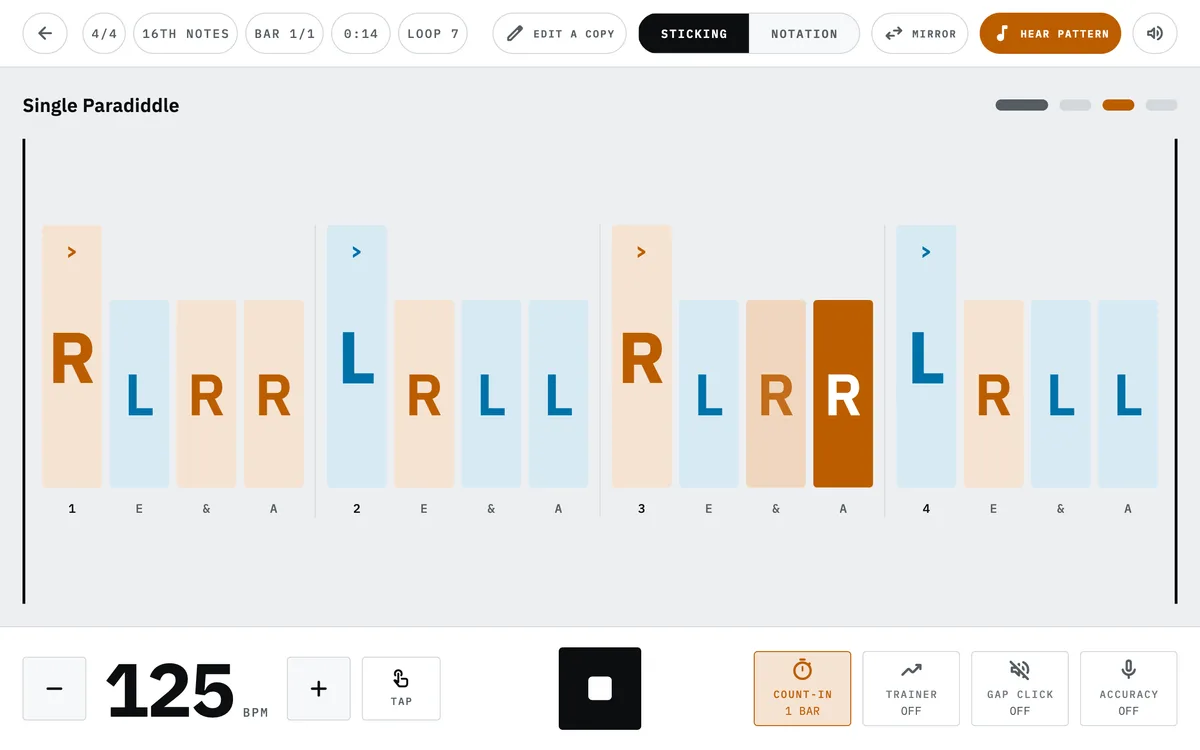
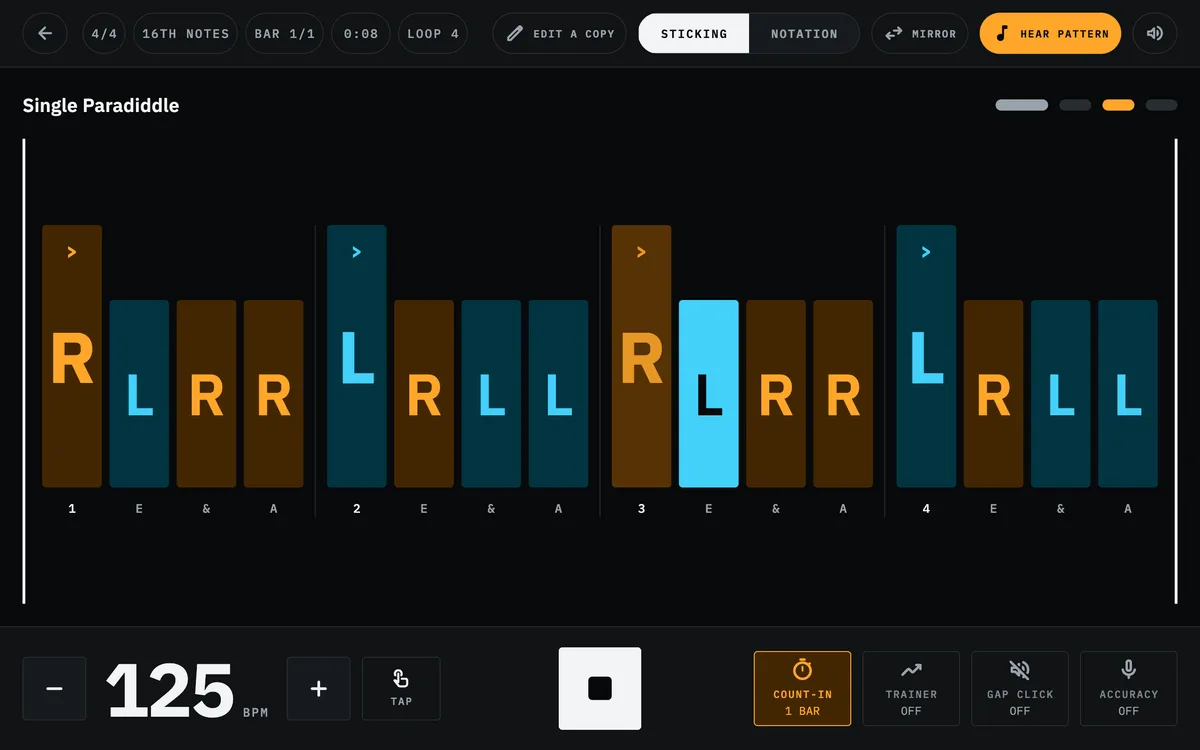
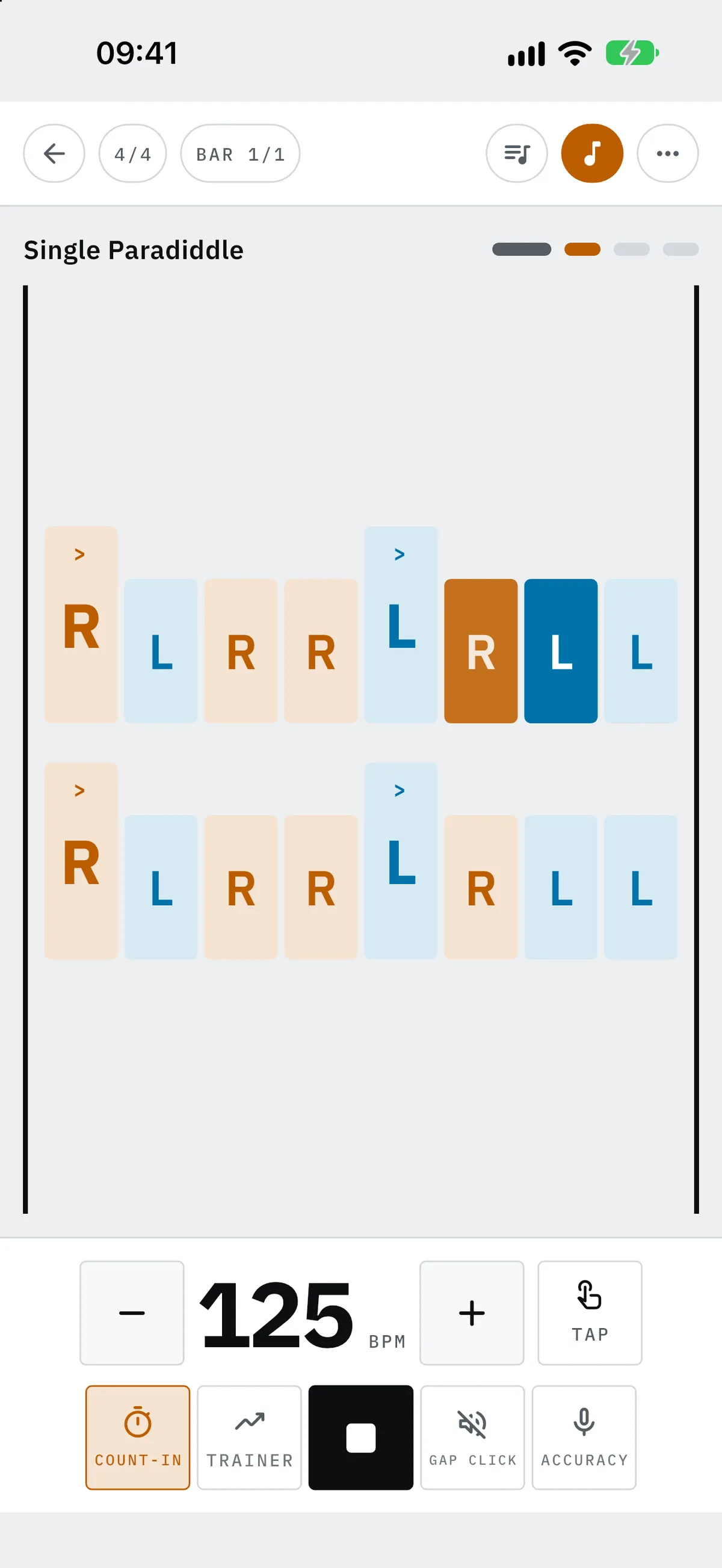
Sticktronome shows each stroke of an exercise as R or L, lit exactly when it should be played. Practise on your own, or have a teacher start the same exercise on every student's device at once.
For Mac, iPhone and iPad
The idea
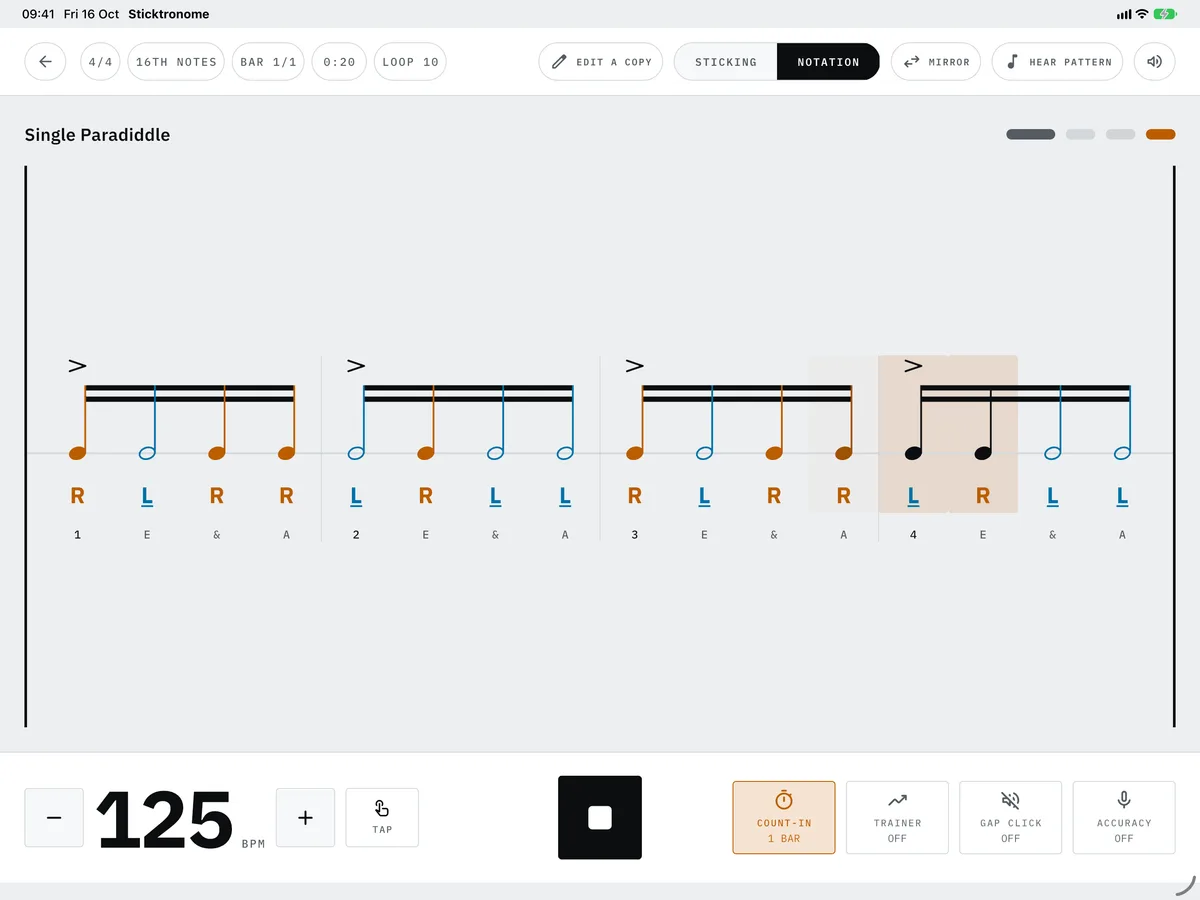
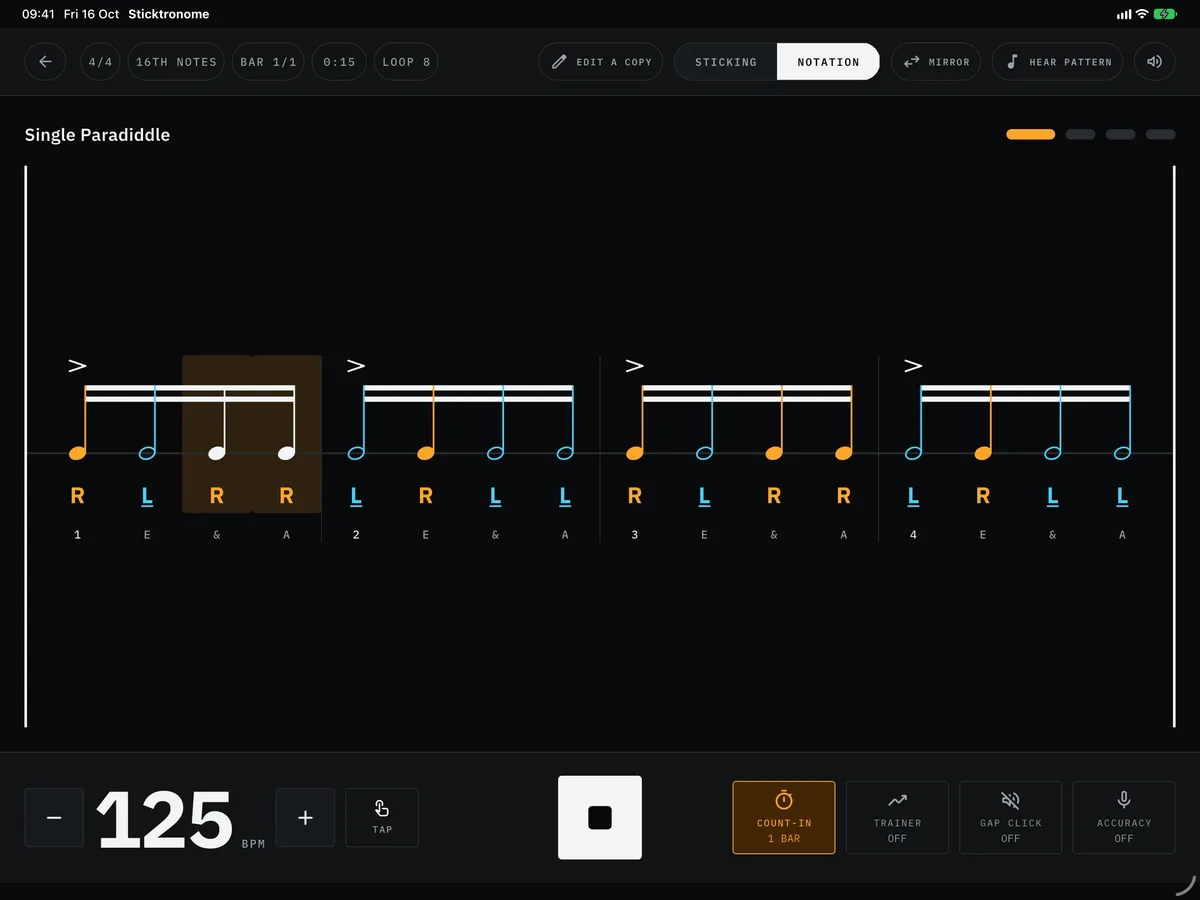
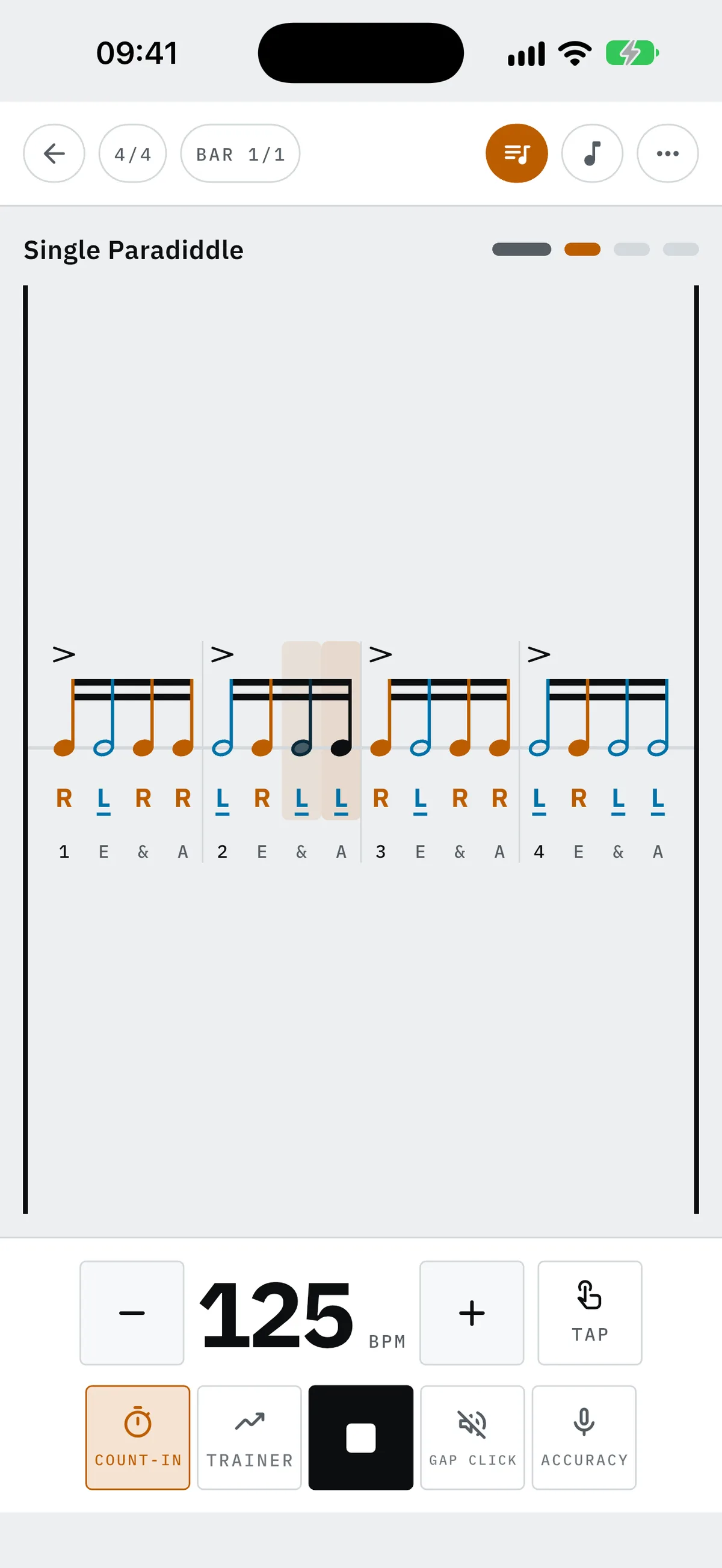
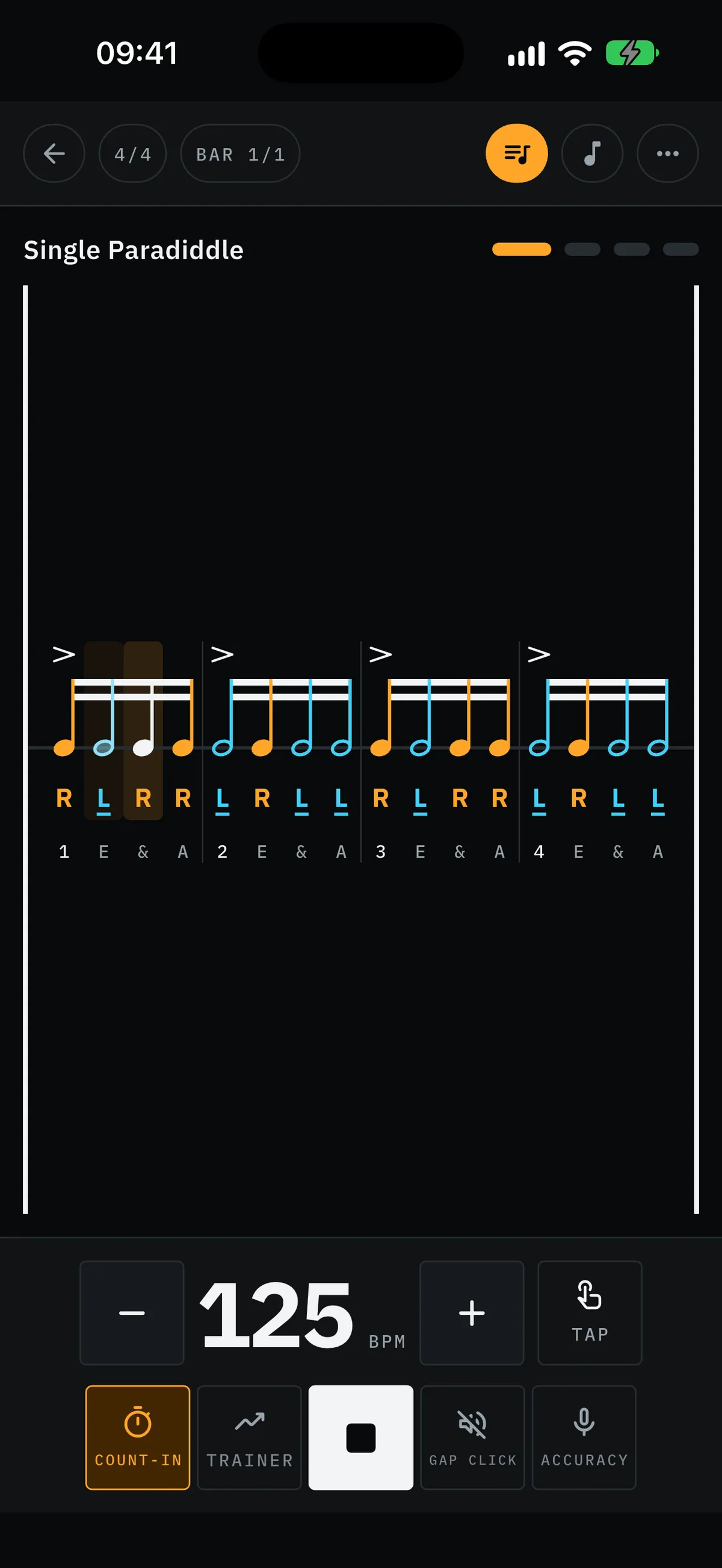
Notation shows the sticking.A metronome shows now.Sticktronome shows both.
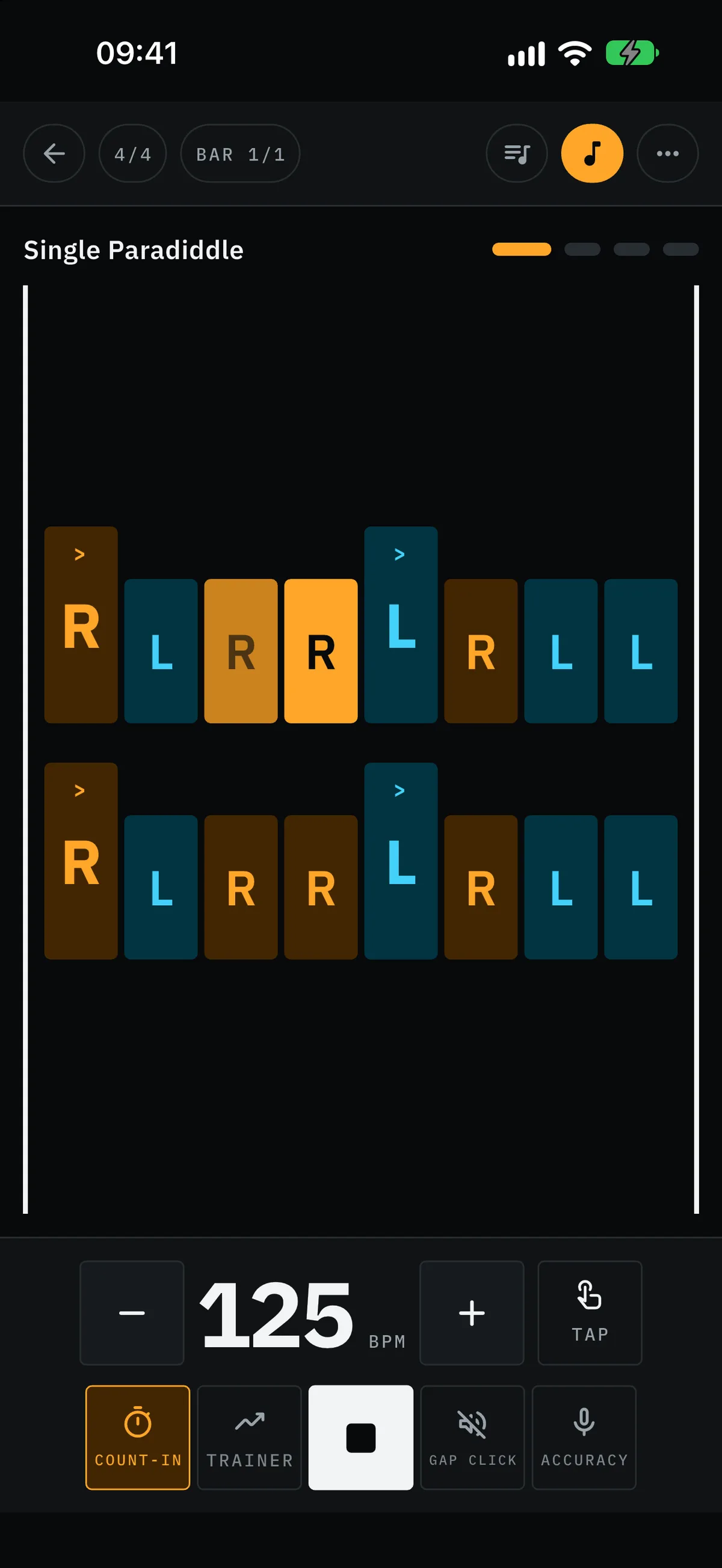
The lane lights each stroke on its beat, as R/L cards or as single-line snare notation. The audio clock is the only source of time, so the highlight cannot drift from the sound.
Metronome
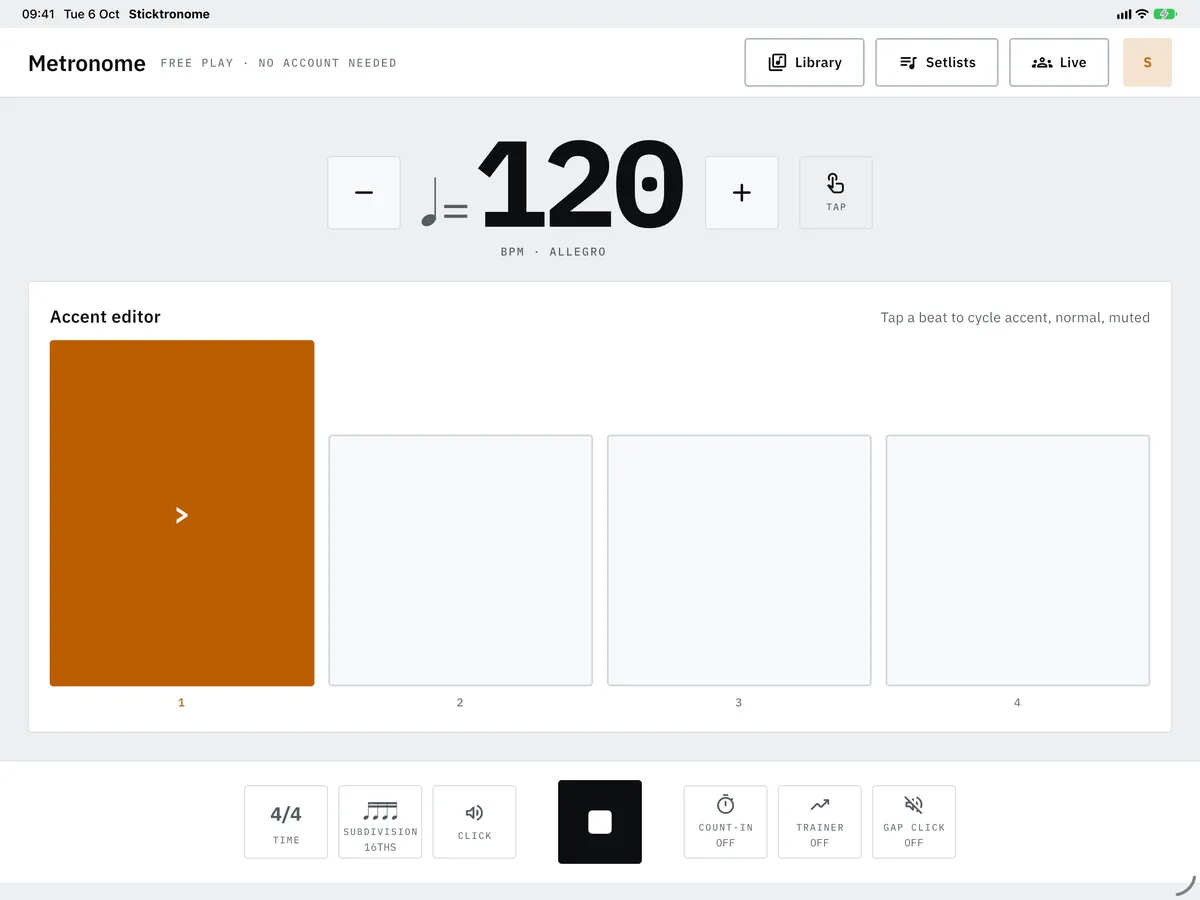
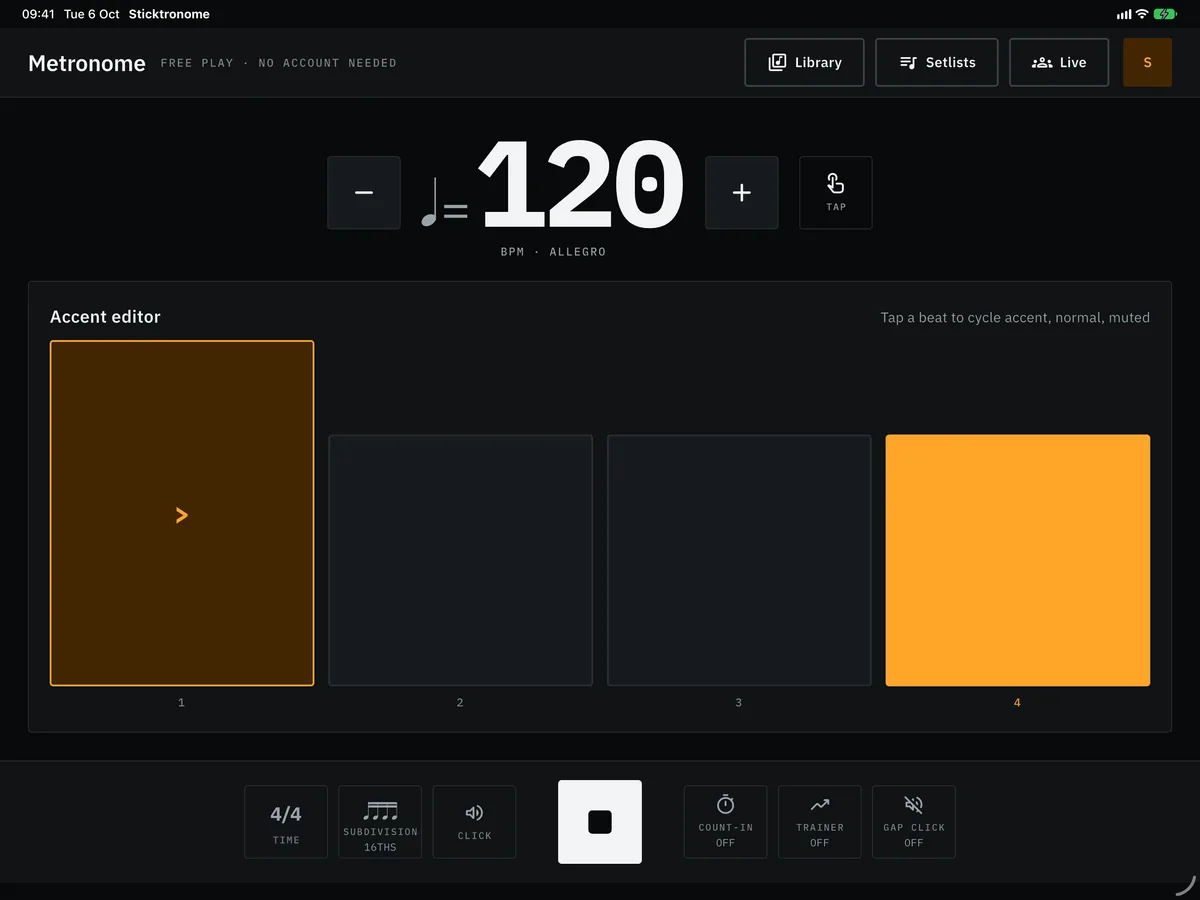
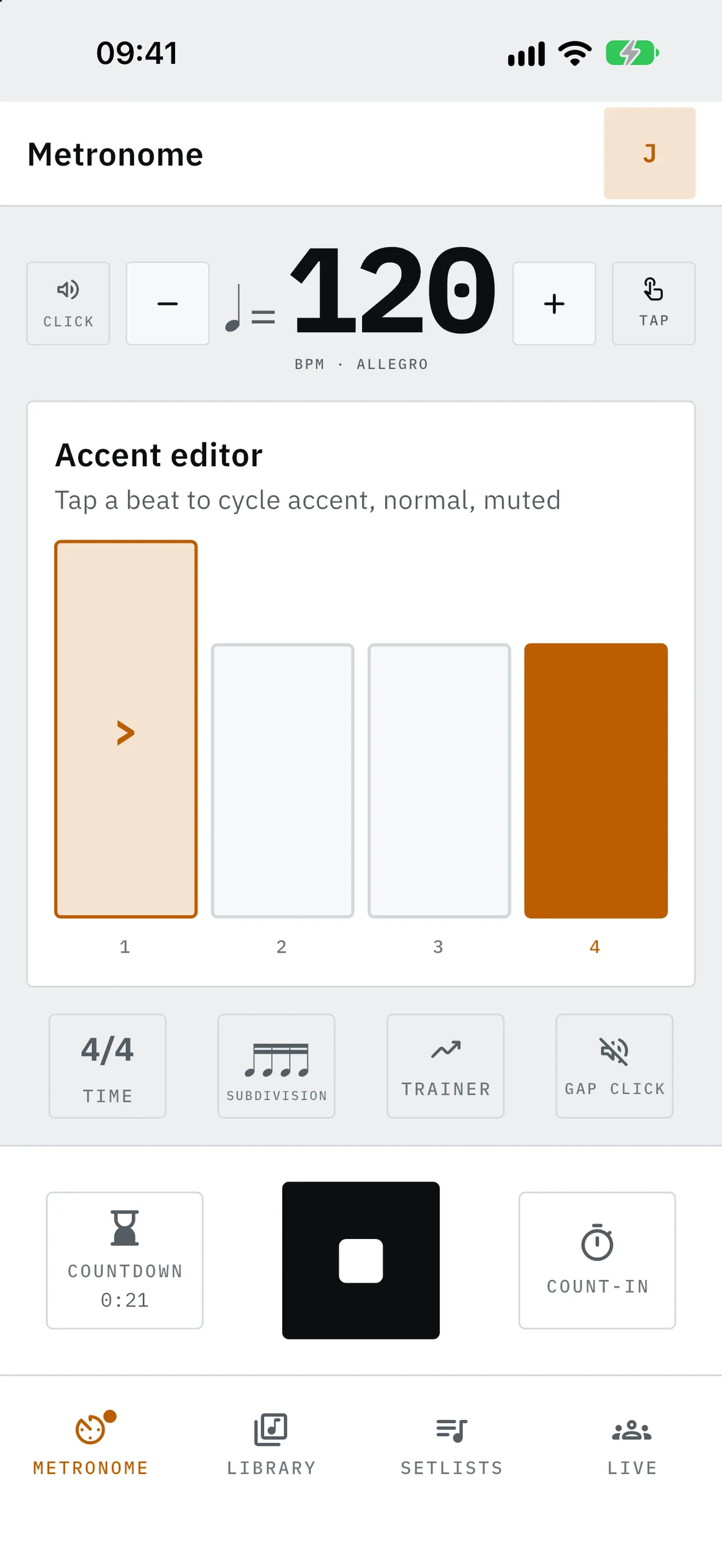
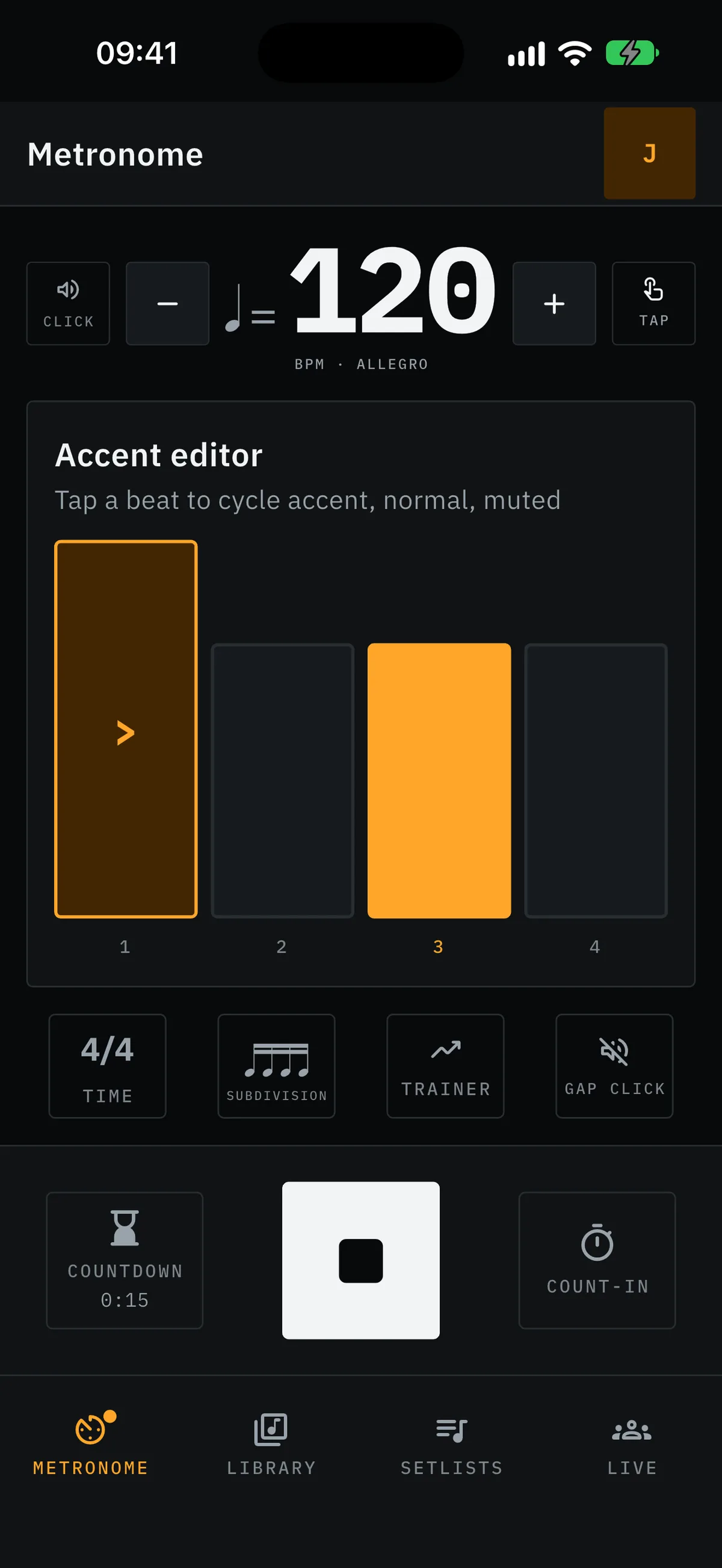
A full metronome, free and offline
Practising on your own needs no account and no network.
- Time signatures from 1/2 to 12/8, with 5/8 and 7/8 in every grouping
- Subdivisions from 8ths to sextuplets, and swing
- An accent on any beat, and tap tempo
- Tempo trainer: the tempo steps up every few bars or loops
- Gap click: the click drops out for a few bars and you keep the time
Library
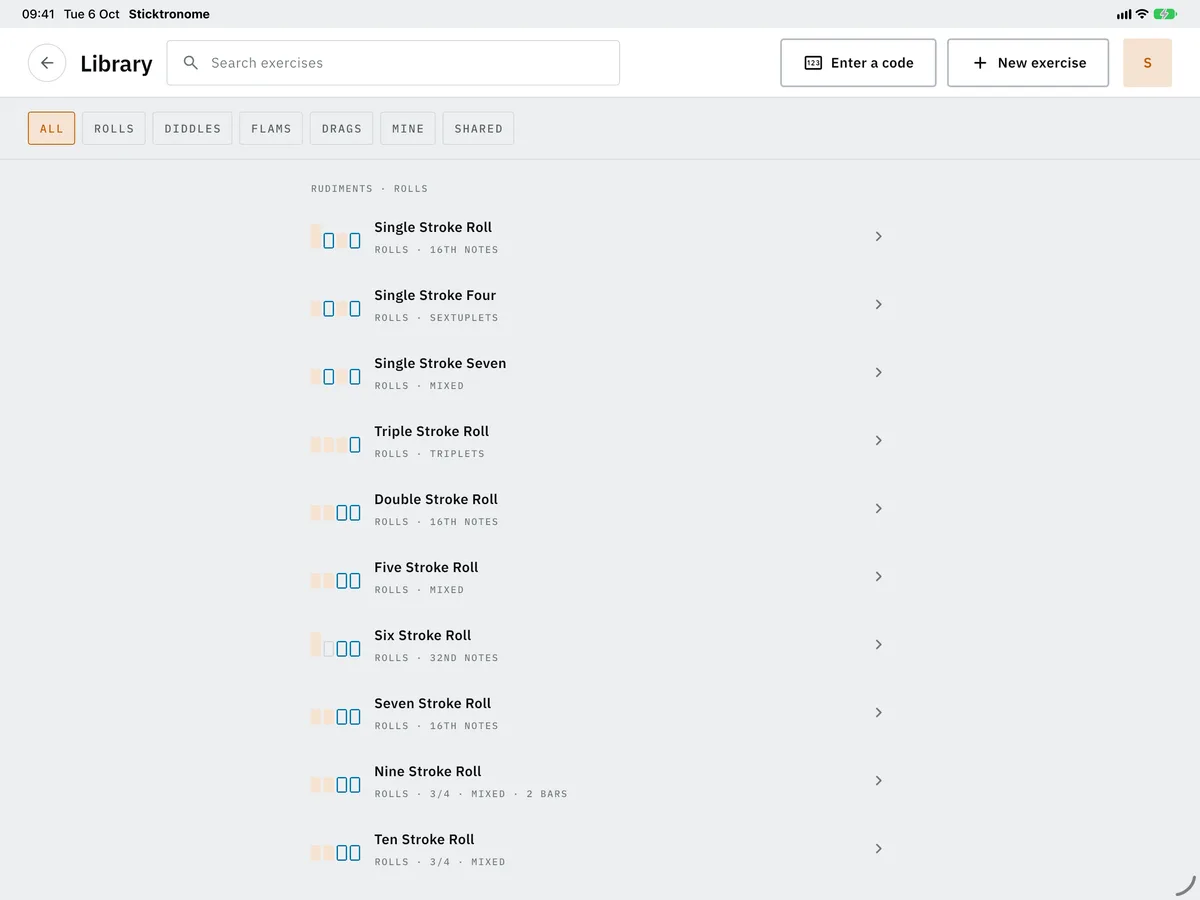
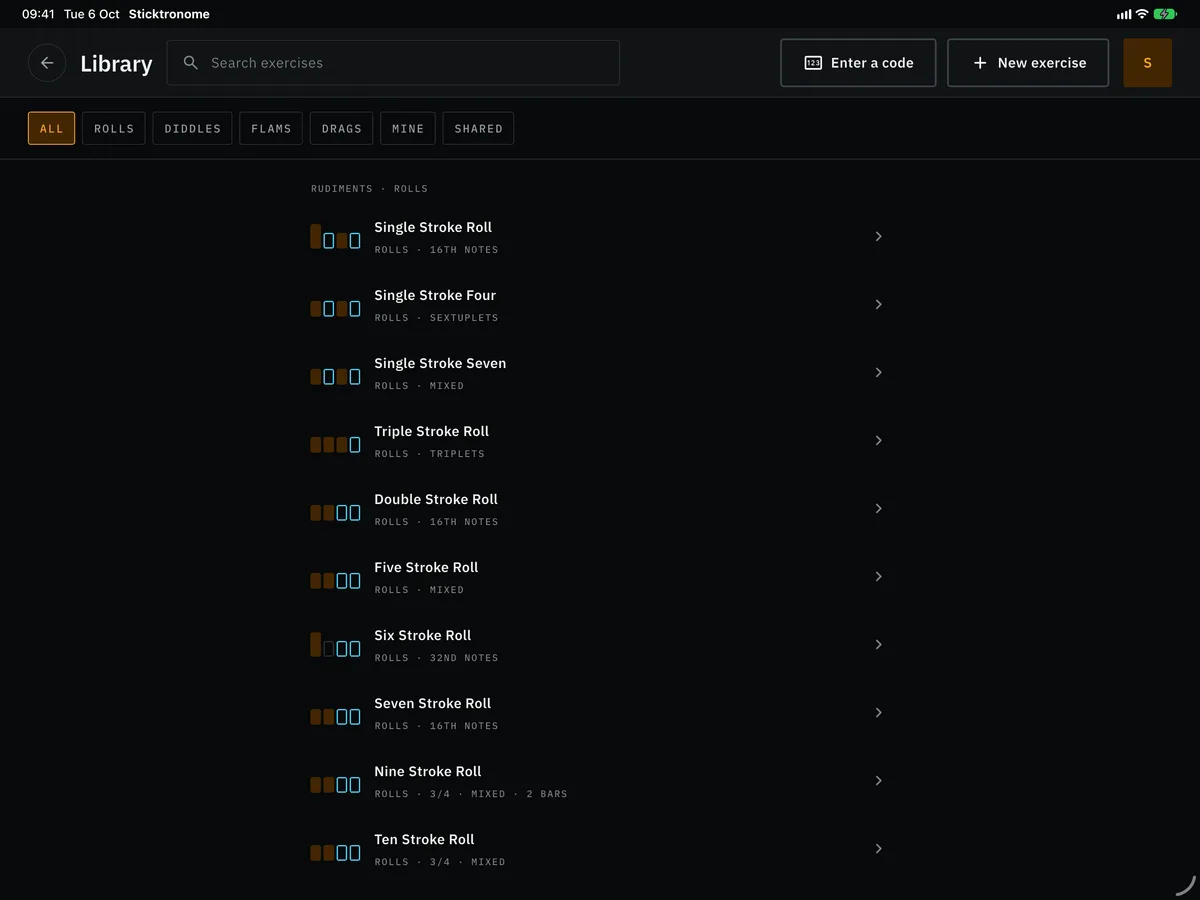
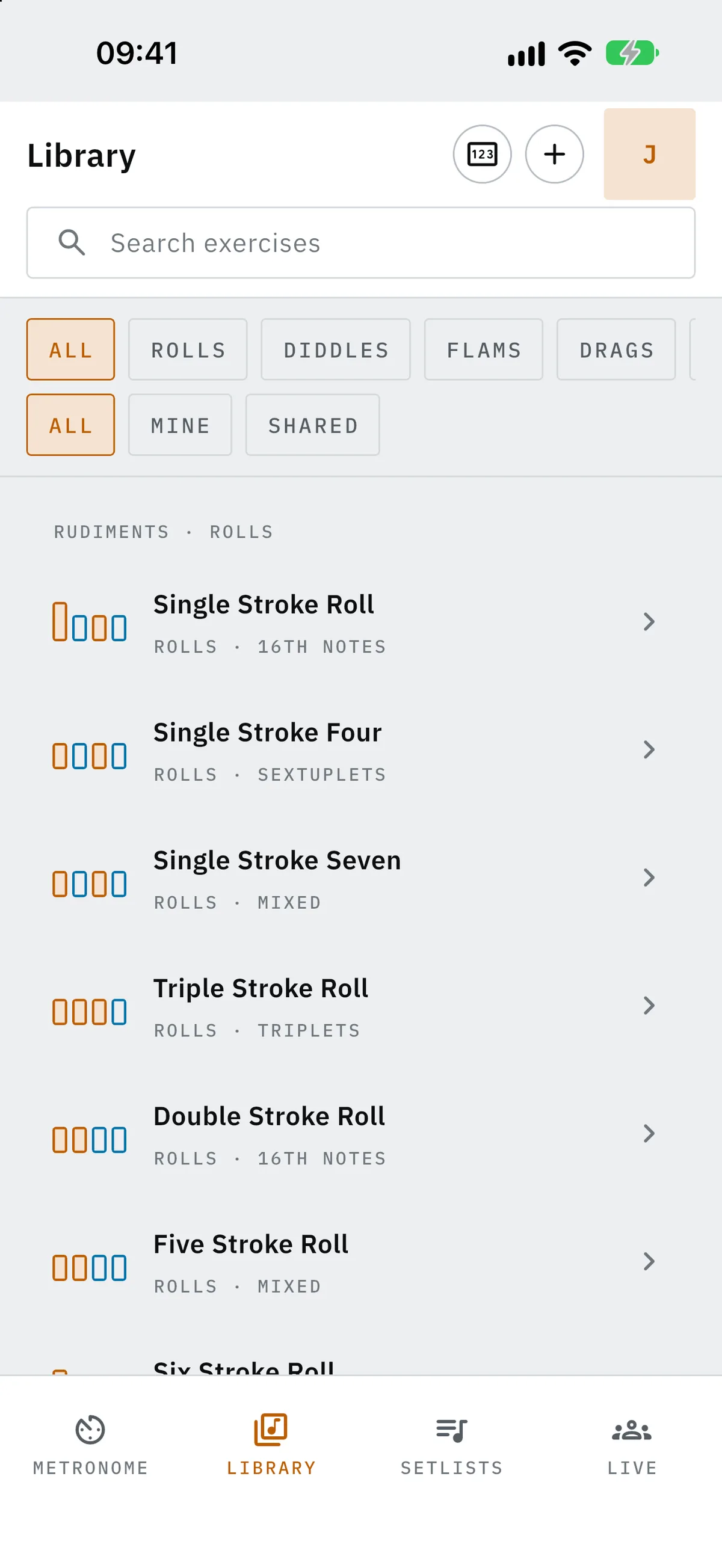
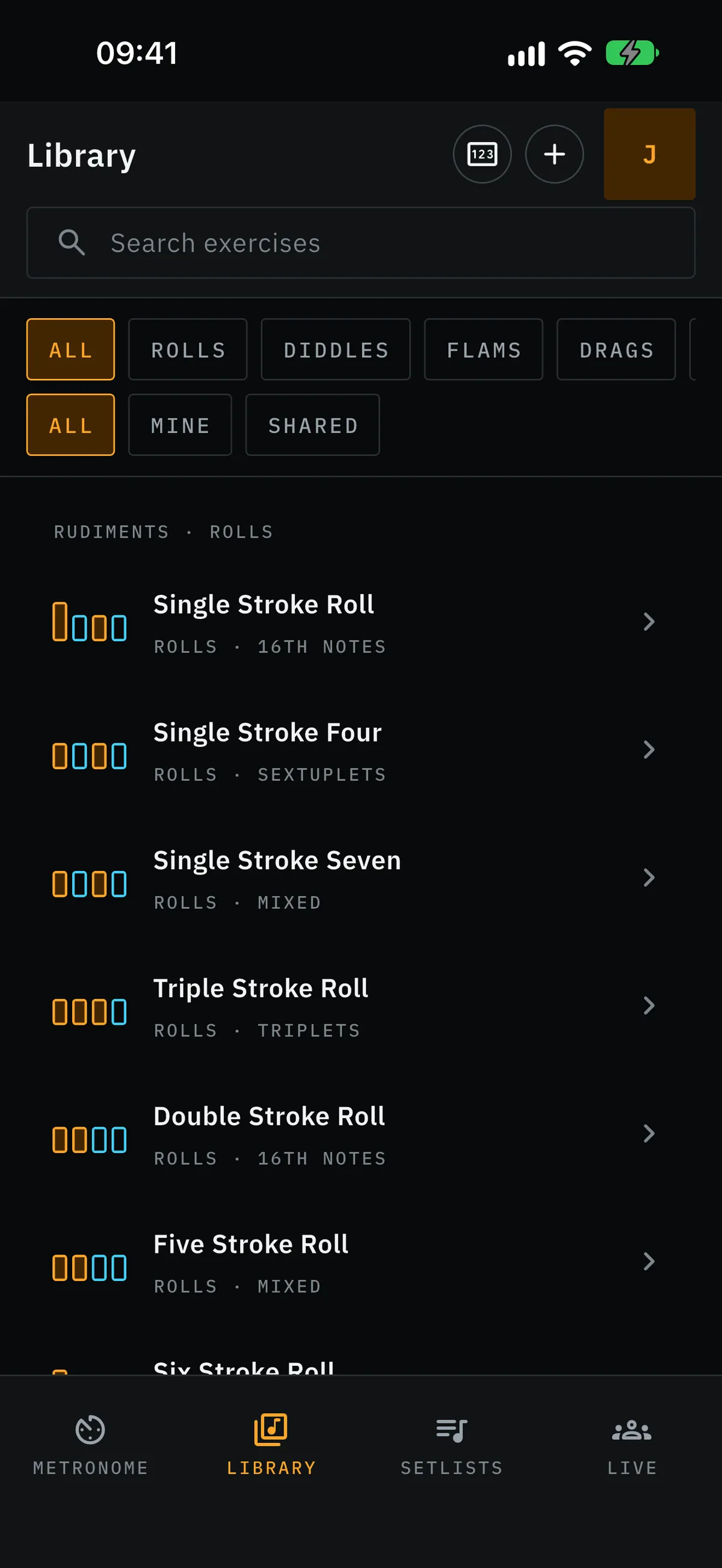
Rudiments, ready to play
Rudiments from the PAS list, grouped as rolls, diddles, flams and drags. Open one and it plays at your tempo.
- Hear pattern plays the sticking for you
- Mirror swaps the hands, to lead with the other one
- Search, or enter a code someone gave you
Builder
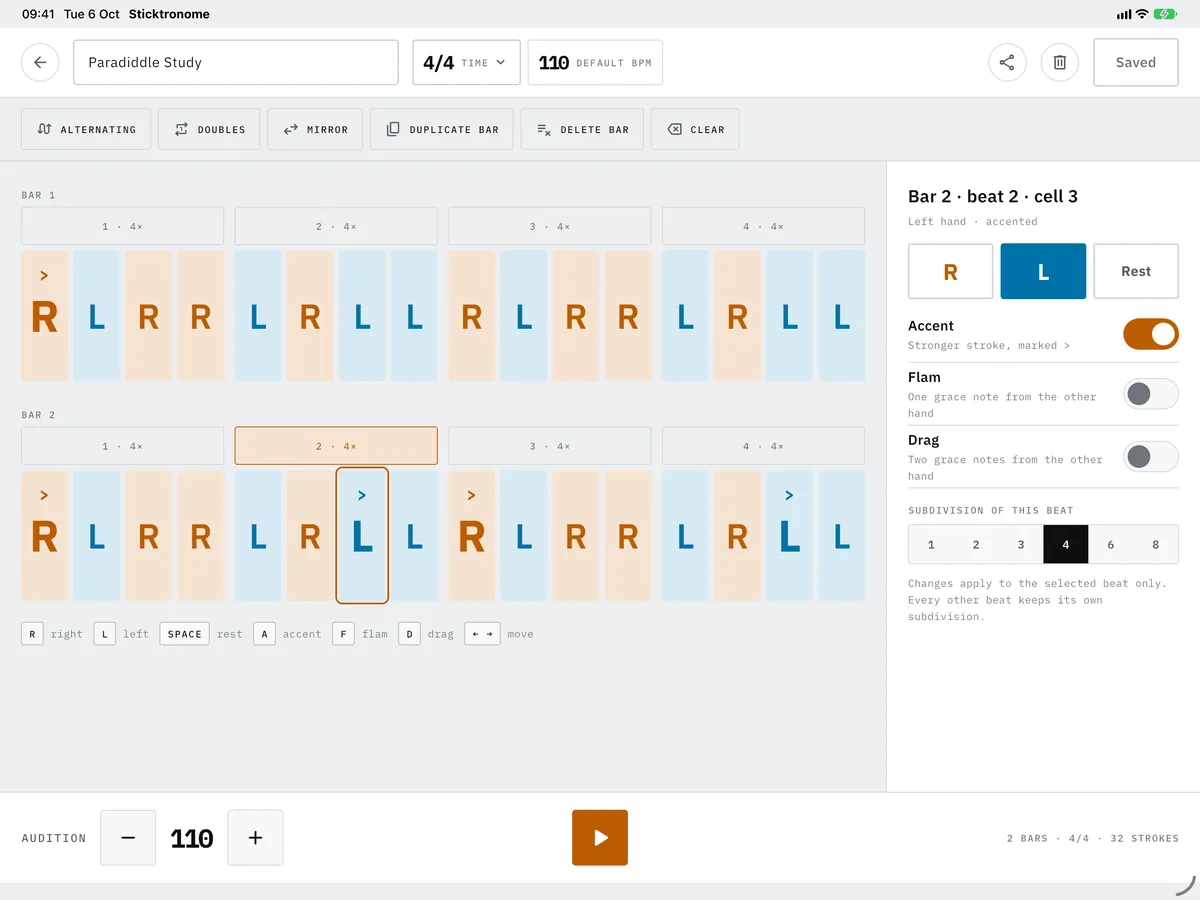
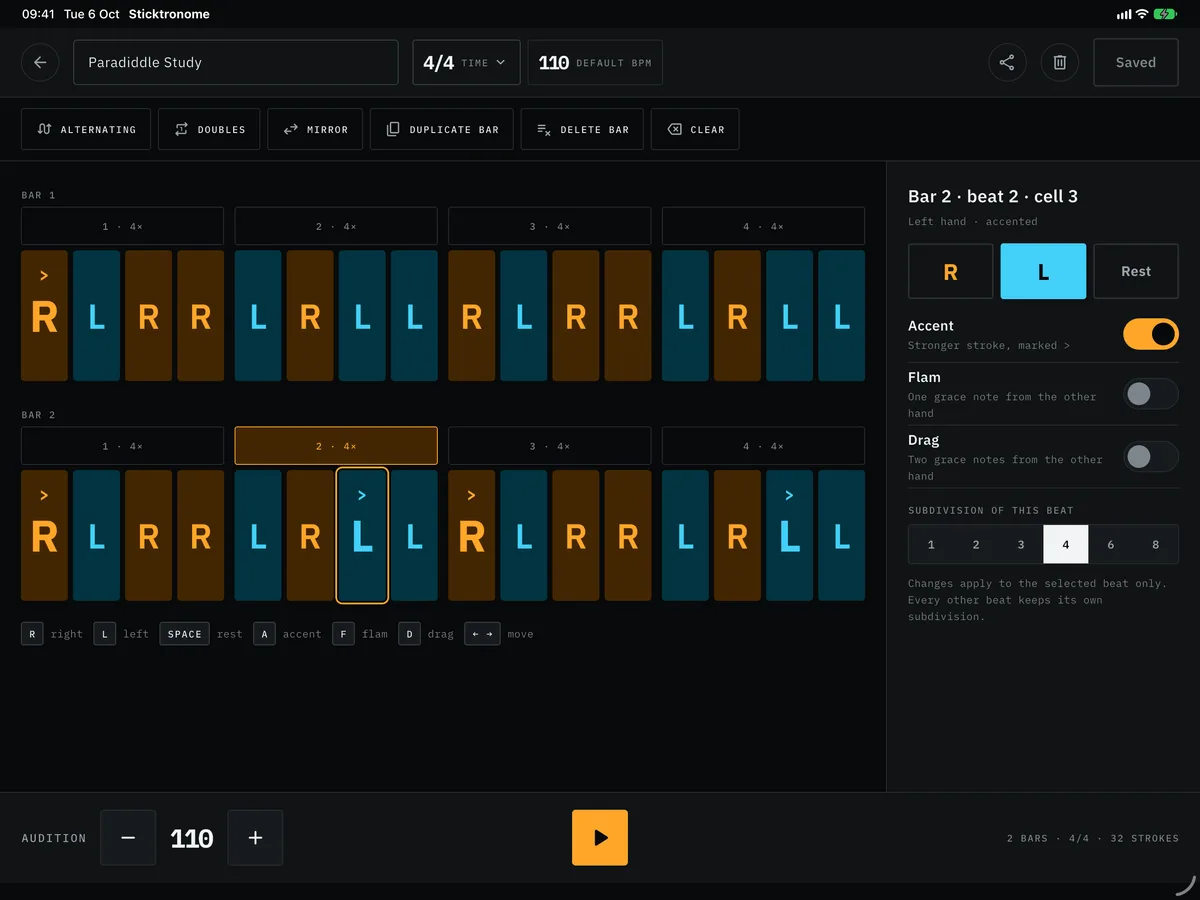
Write your own exercises, and share them
Build a pattern bar by bar on a grid, with its own subdivision on every beat, accents, flams and drags. Exercises are kept on this device for free.
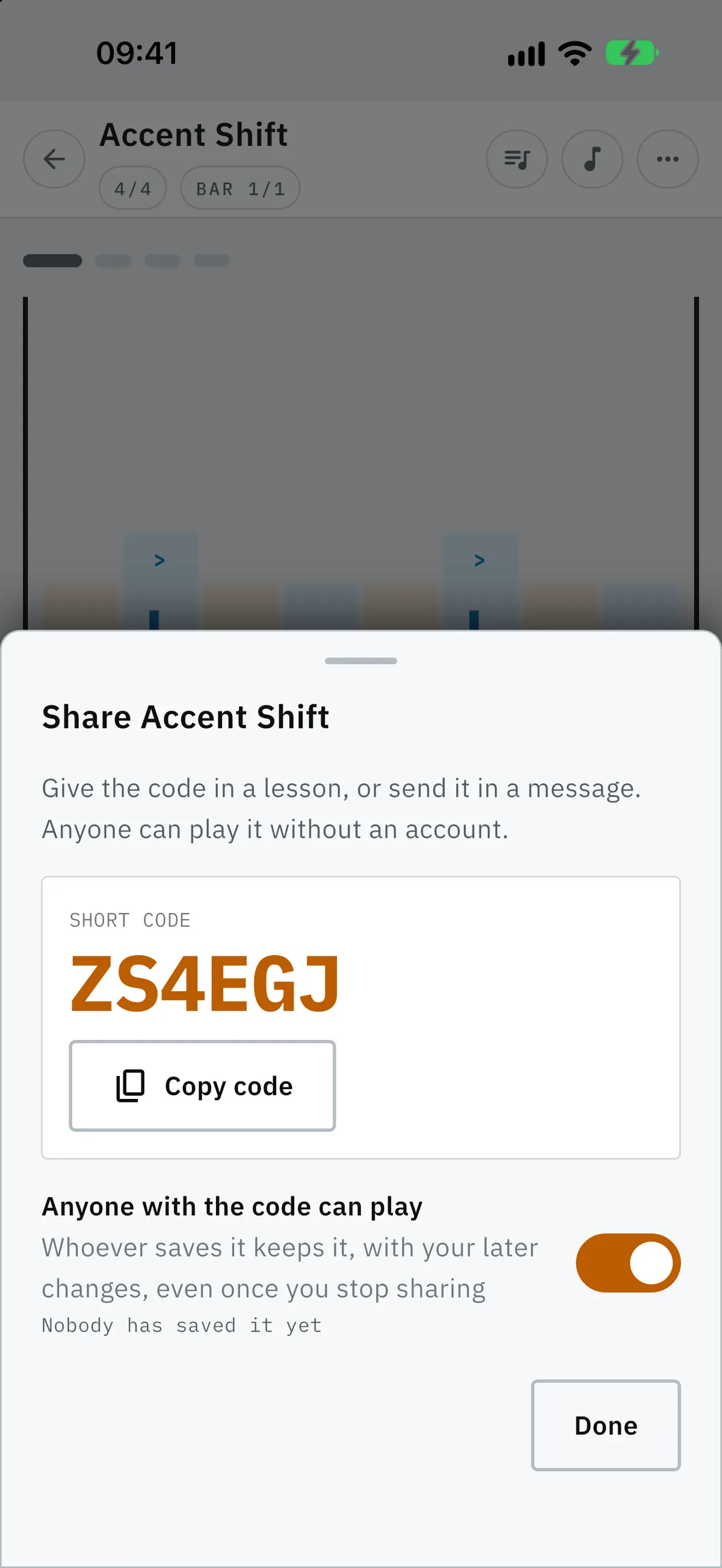
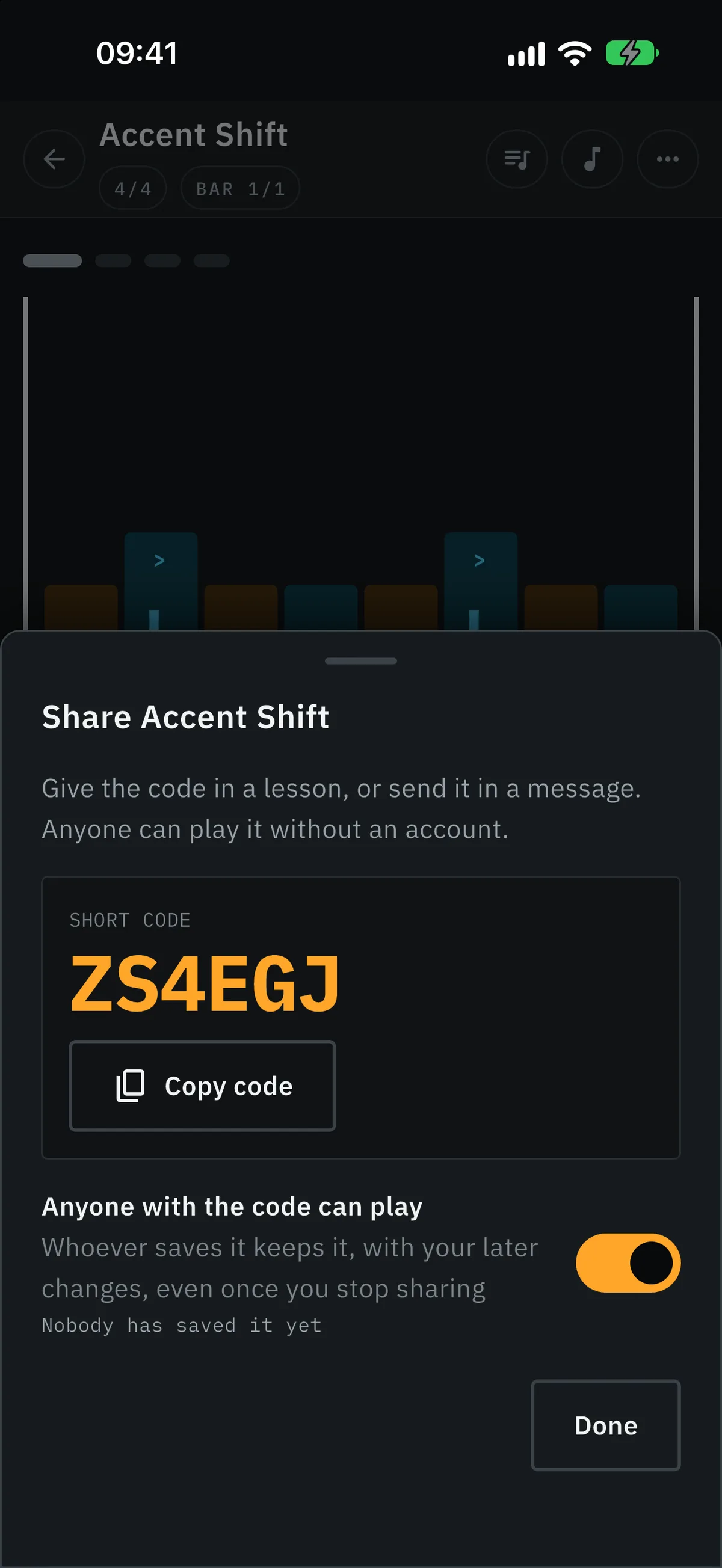
- Share one with a six-character code, on the Teacher plan
- Anyone can play a shared exercise without an account
Kit grooves
Grooves for the whole kit
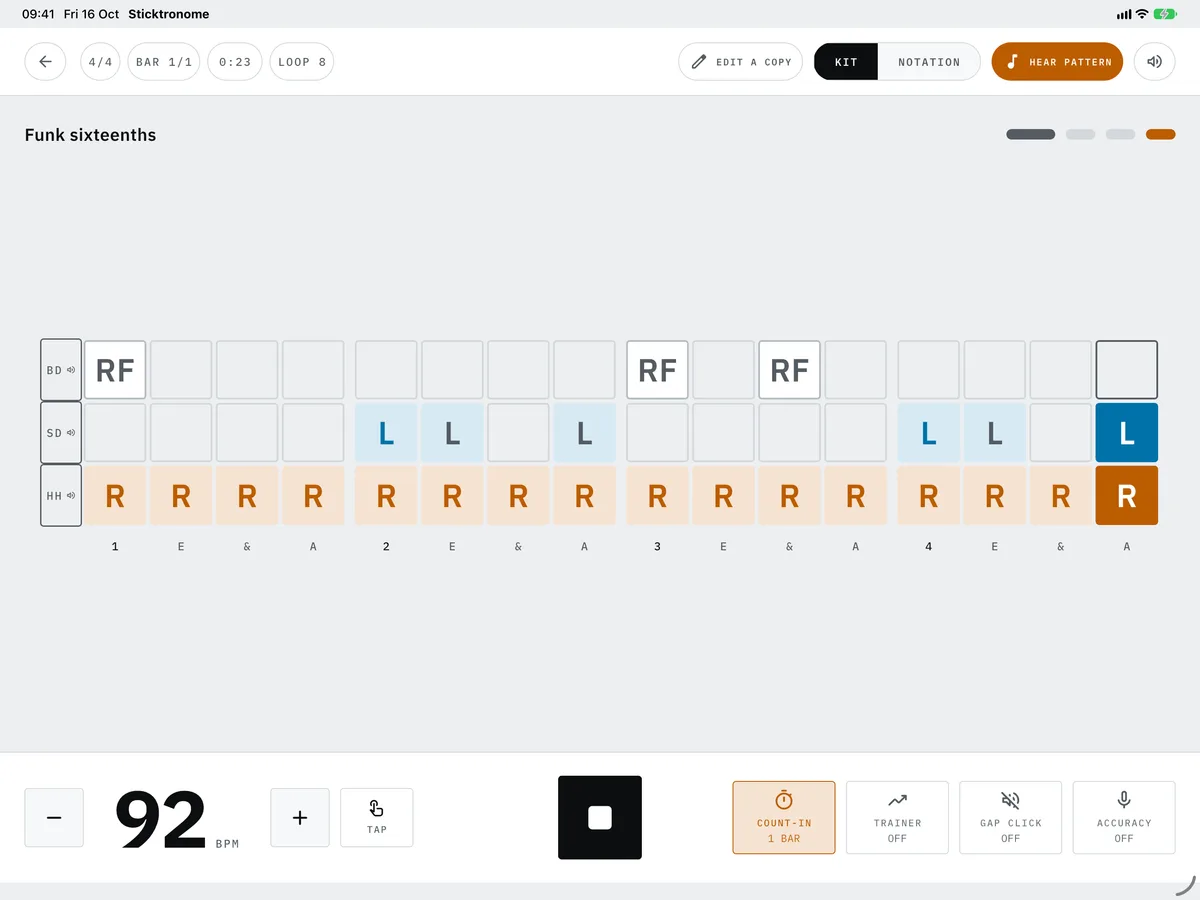
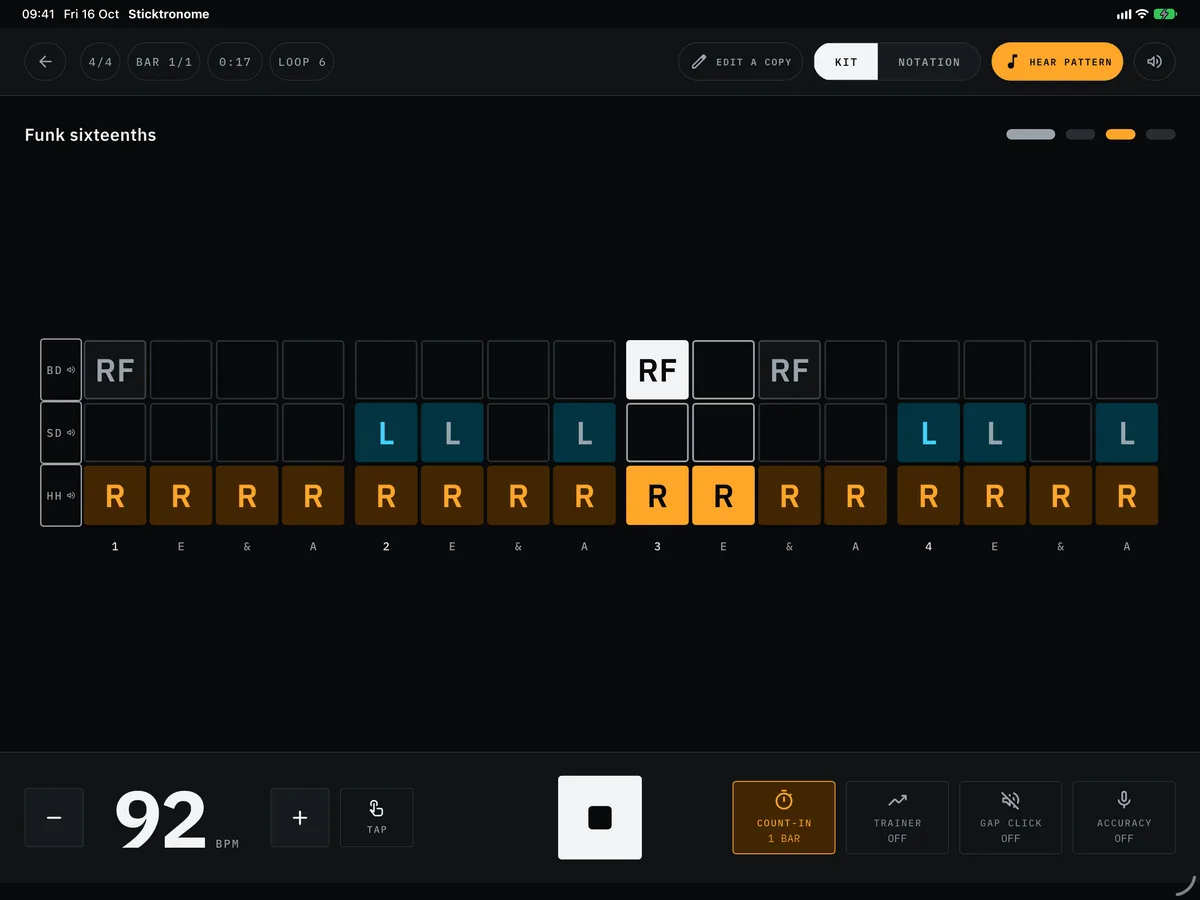
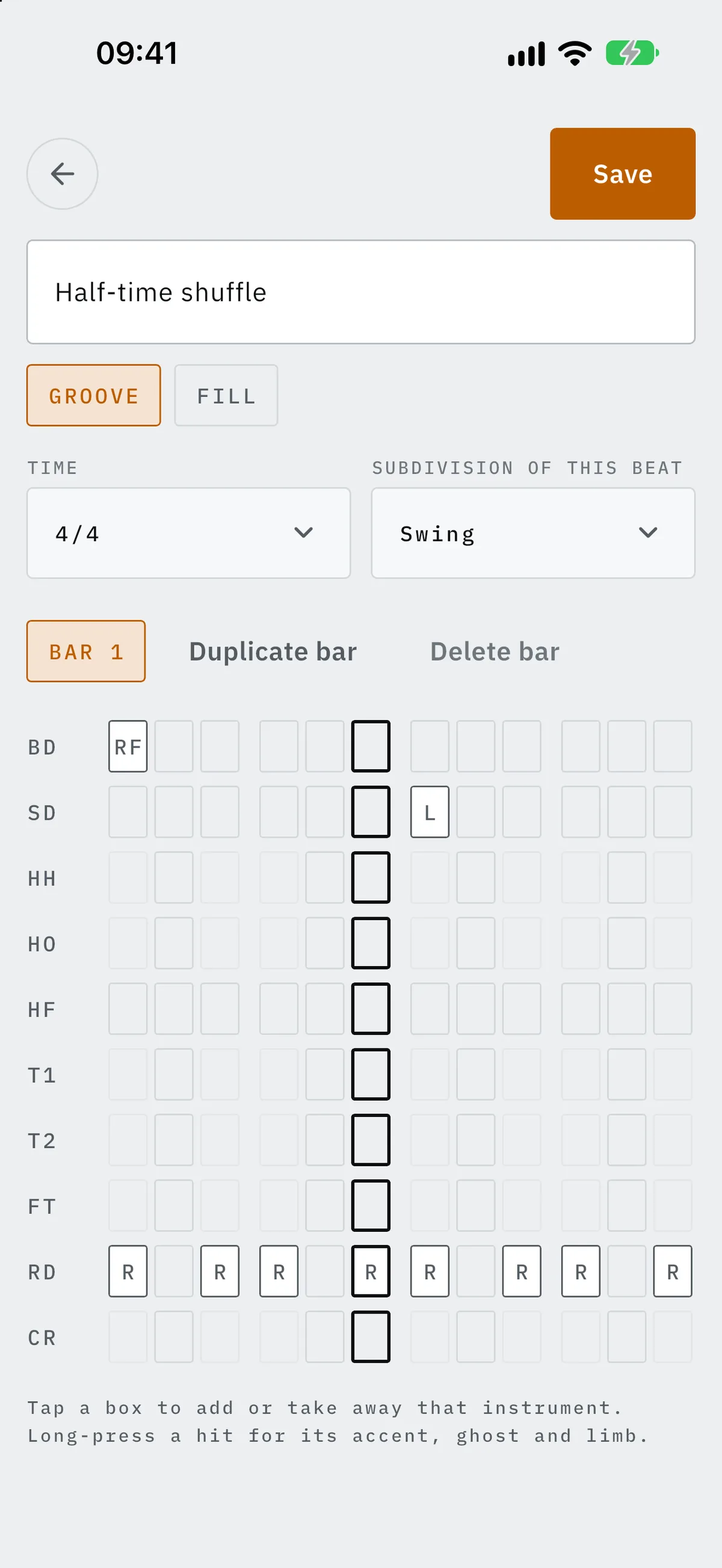
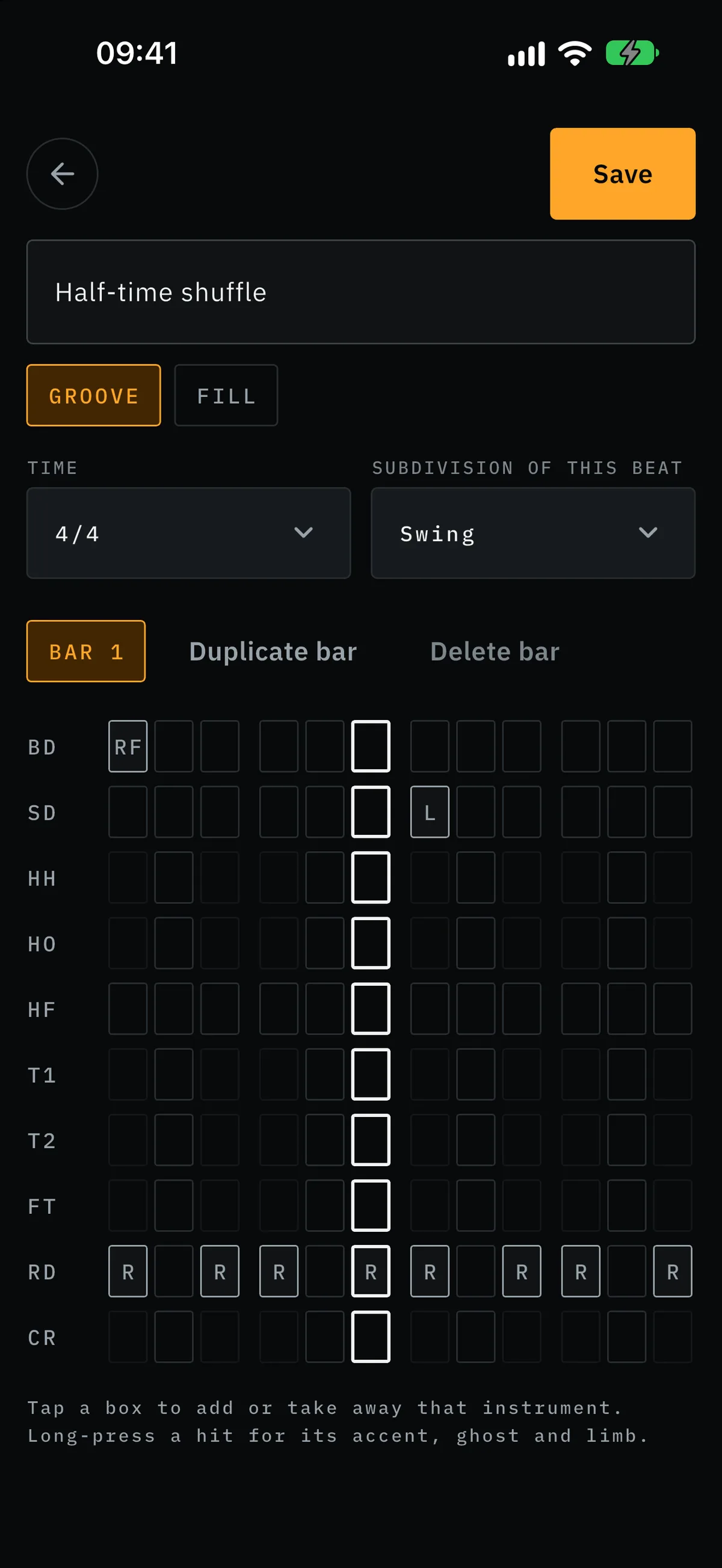
Bass drum, snare, hi-hat, toms, ride and crash, each on its own row, with the sticking on the snare. Play one of the bundled grooves and fills, or build your own in the kit builder, bar by bar.
- Hear pattern plays the groove with the click
- The kit builder keeps your grooves on this device, free
Accuracy
Find out where your strokes land
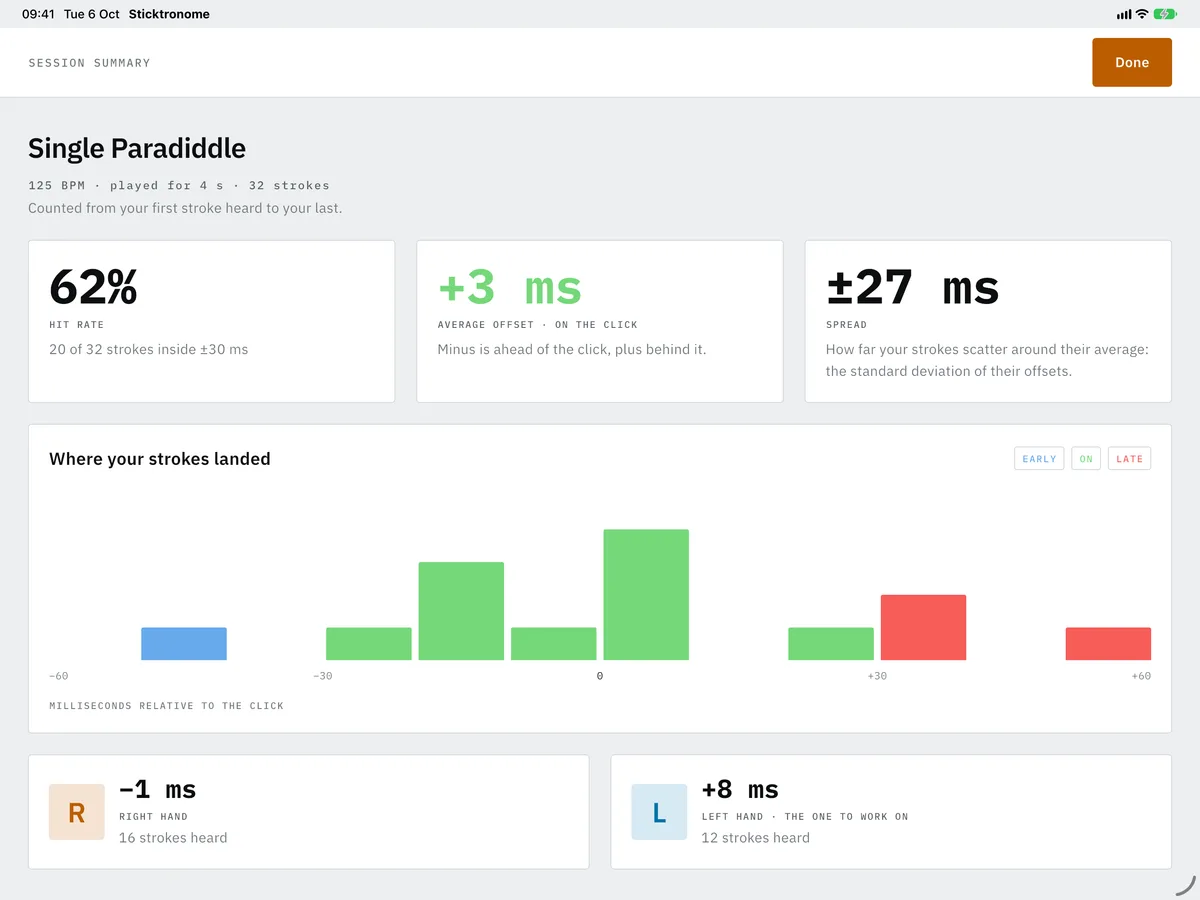
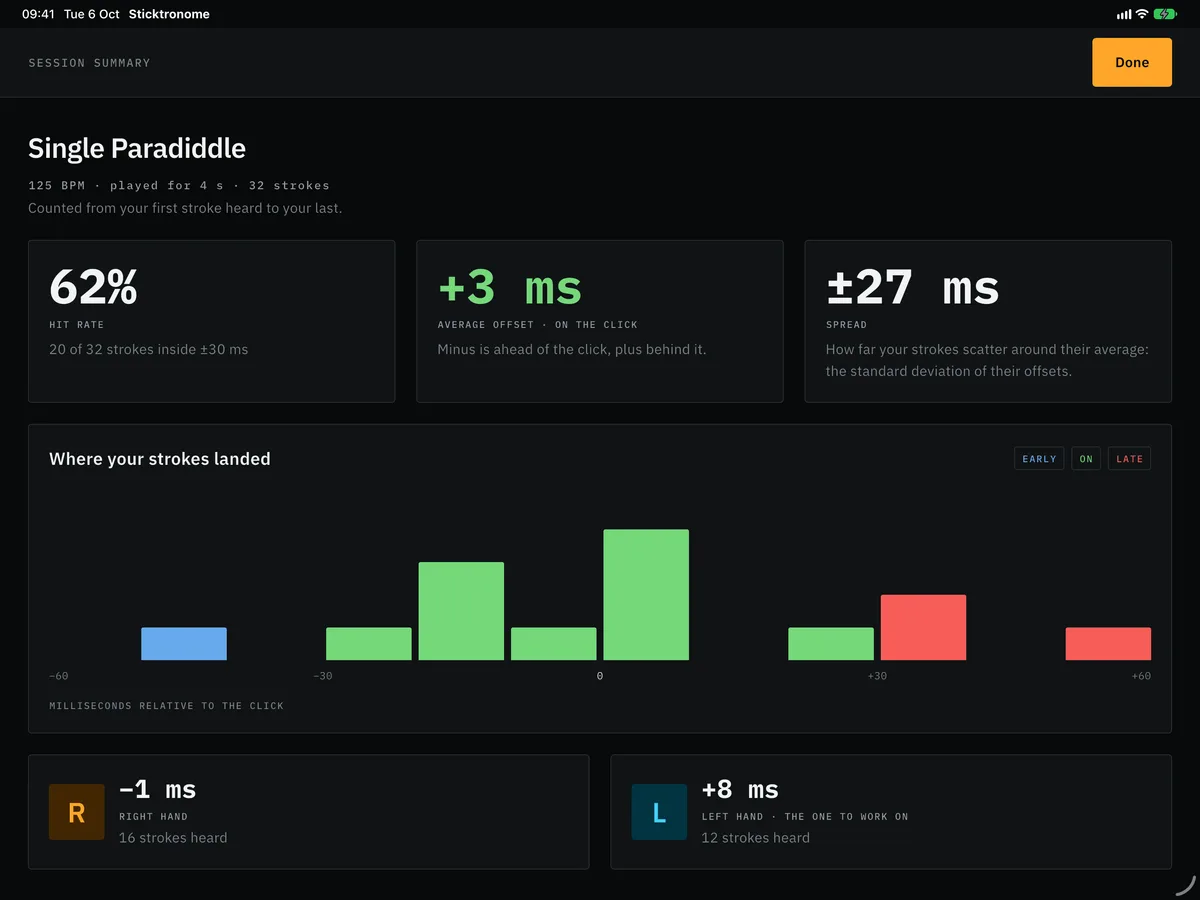
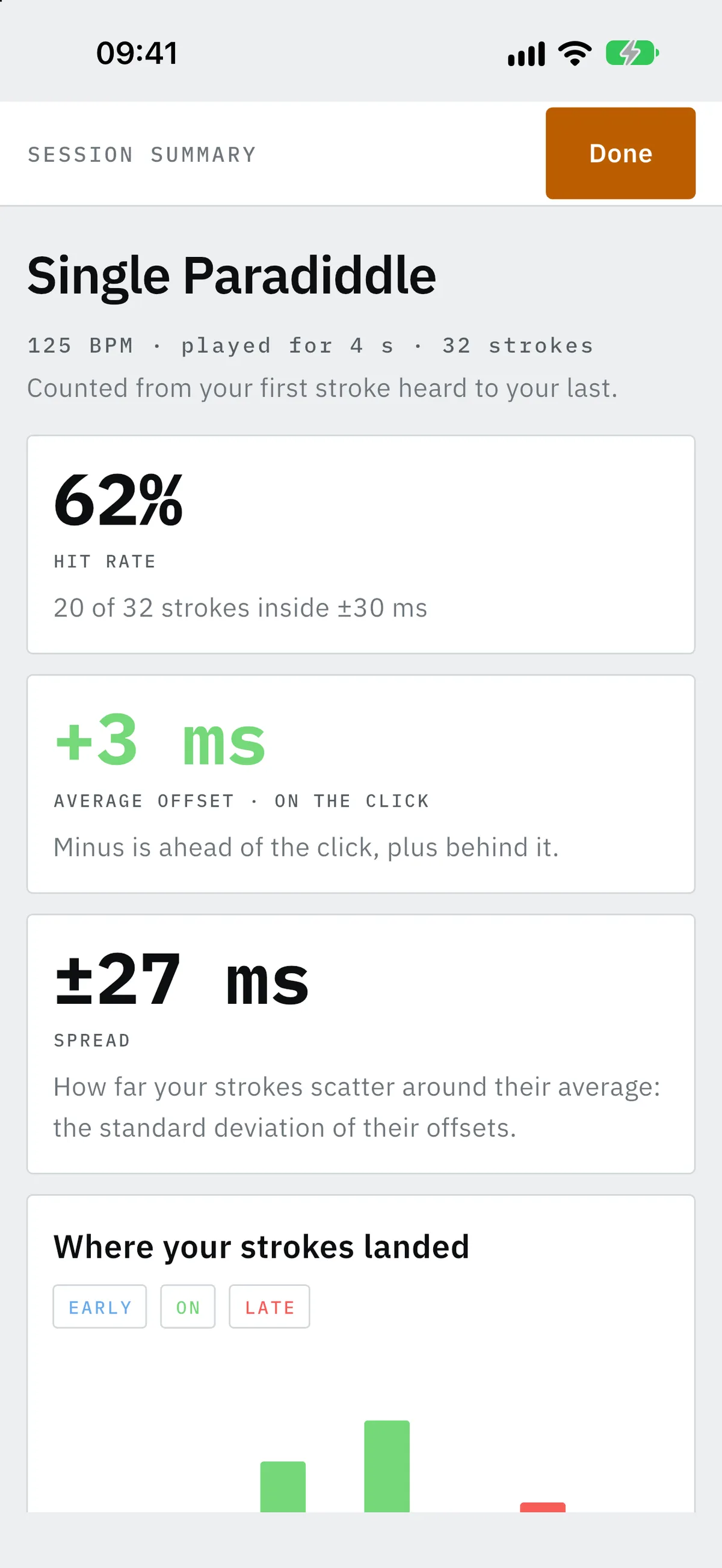
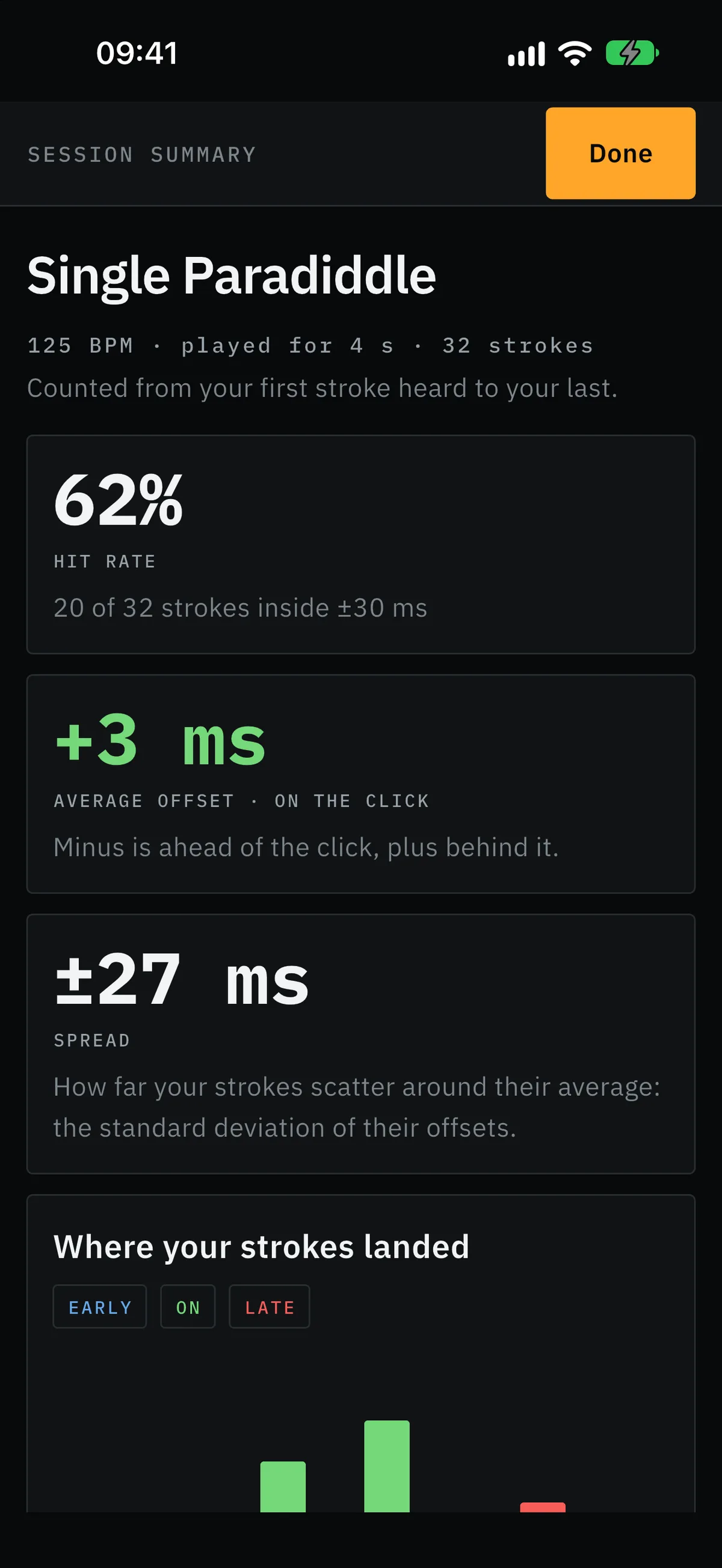
The microphone listens to your sticks and scores each stroke against the click. While you play, you see whether you are rushing or dragging. When you stop, you get the report. Accuracy is part of the Pro plan.
- Hit rate: the strokes within ±30 ms of the click, or closer when strokes are close together
- Average offset and spread, in milliseconds
- Each hand on its own, so you know which one to work on
Live lessons
One click for the whole room
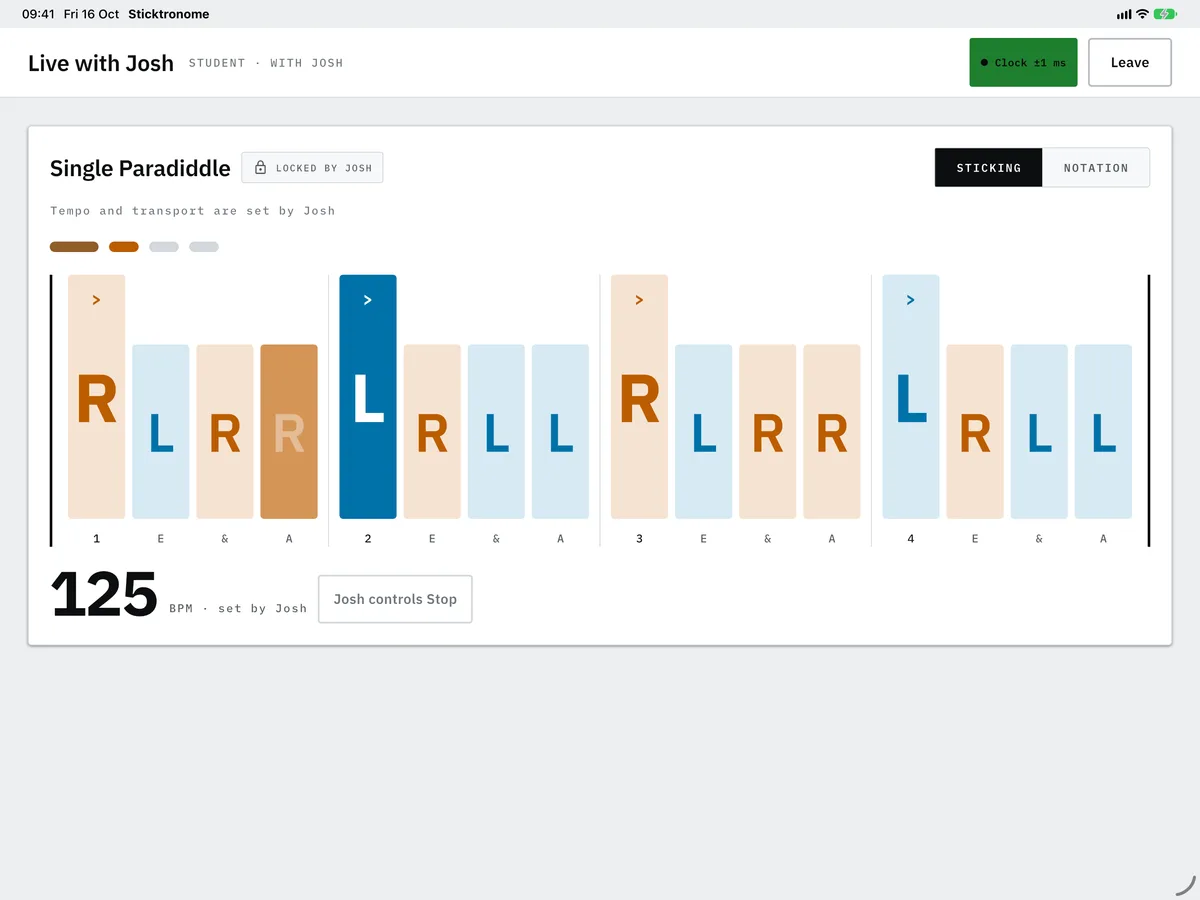
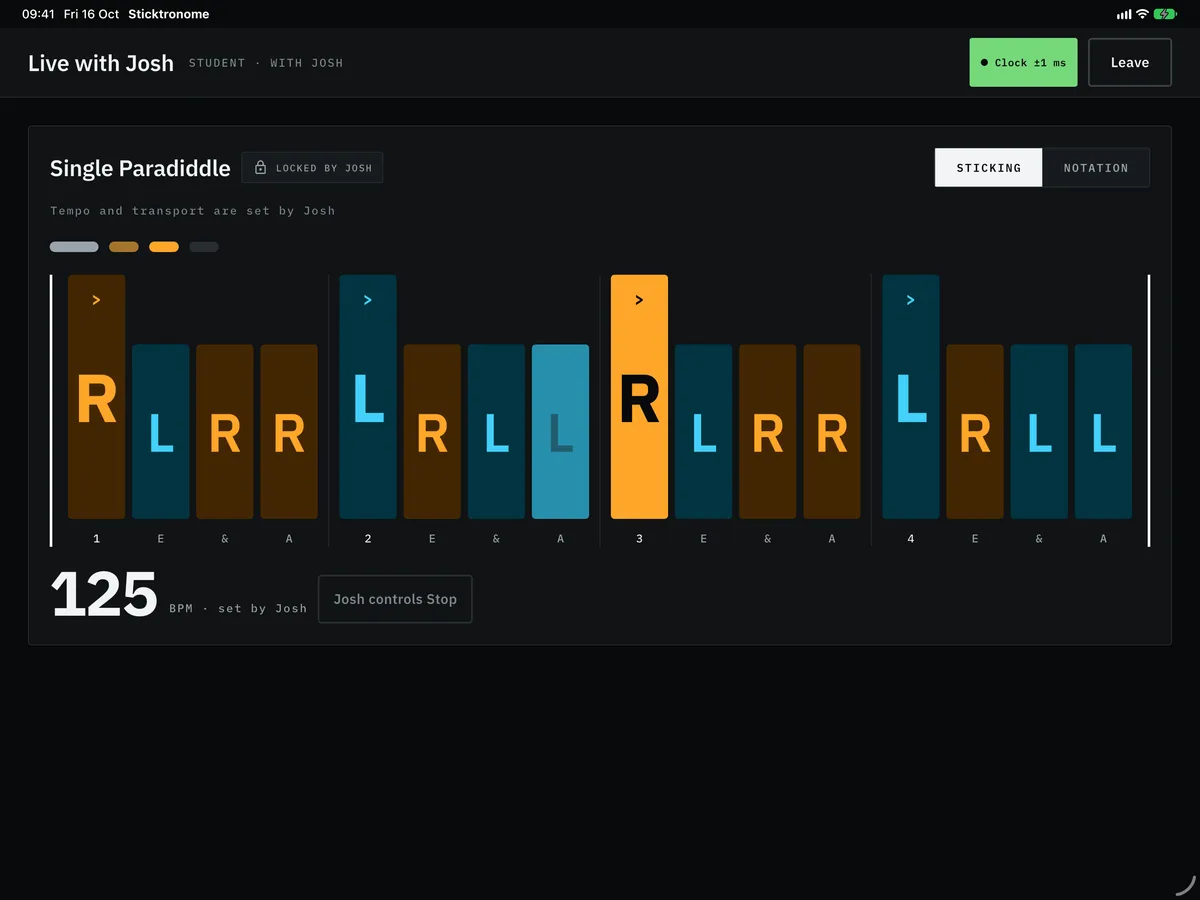
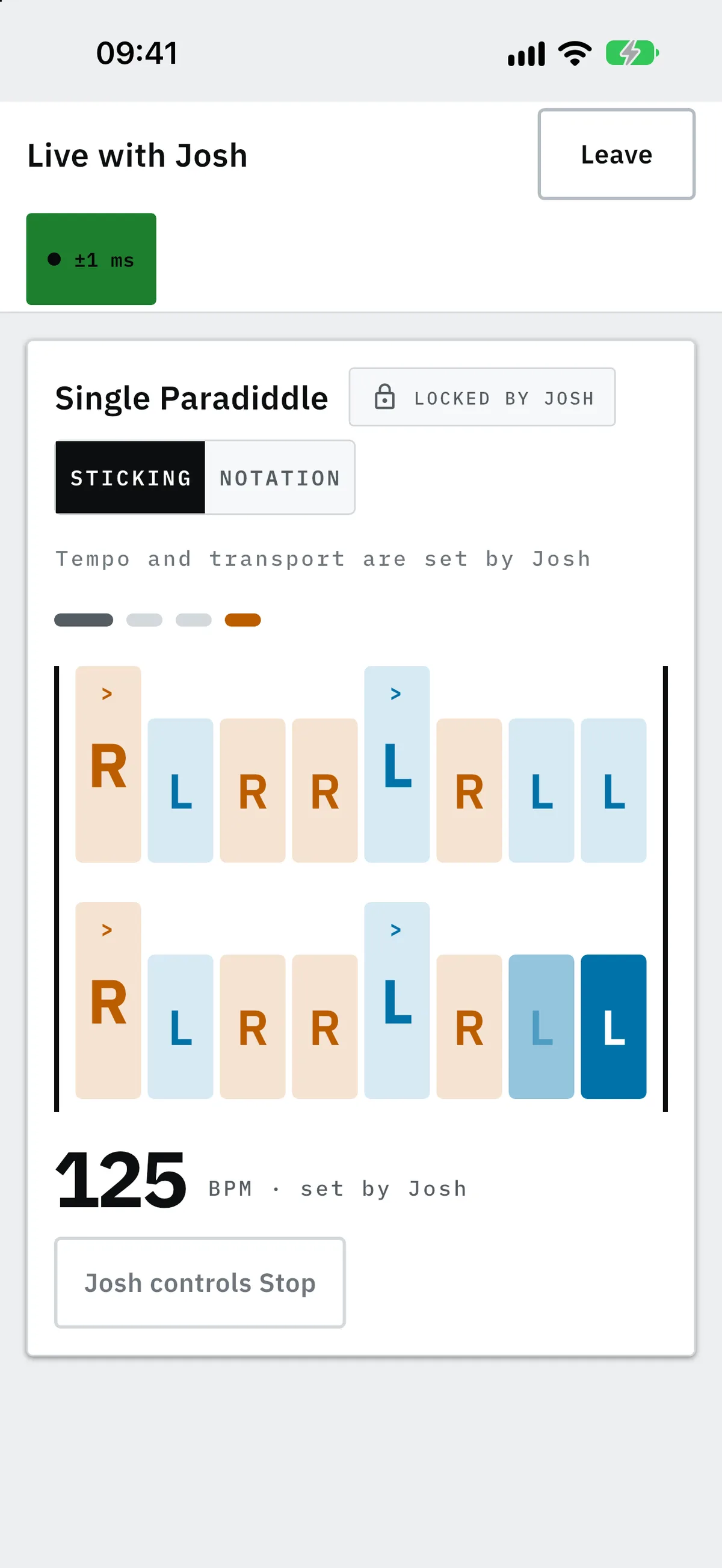
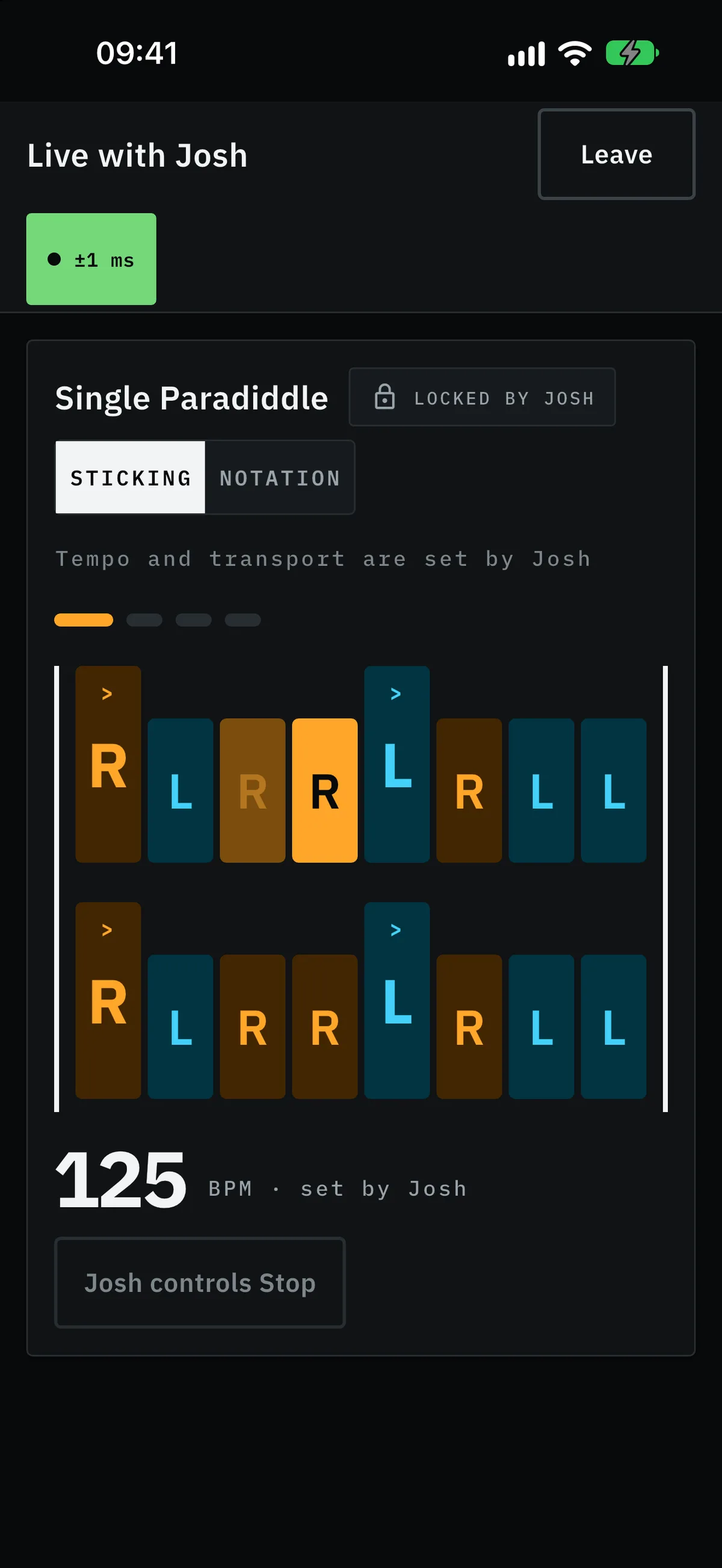
The teacher opens a lesson. Students join with a code and a name, no account, in the room (up to 30) or from home (up to 6). Every device starts on the same beat, and a tempo change lands for everyone on the next bar line. Hosting a lesson is on the Teacher plan; joining one is free.
- Each device shows how closely its clock is in sync, in milliseconds
- The teacher sees which bar every student is on
- A device that loses the network keeps playing in time
Songs and setlists
Click tracks for the gig
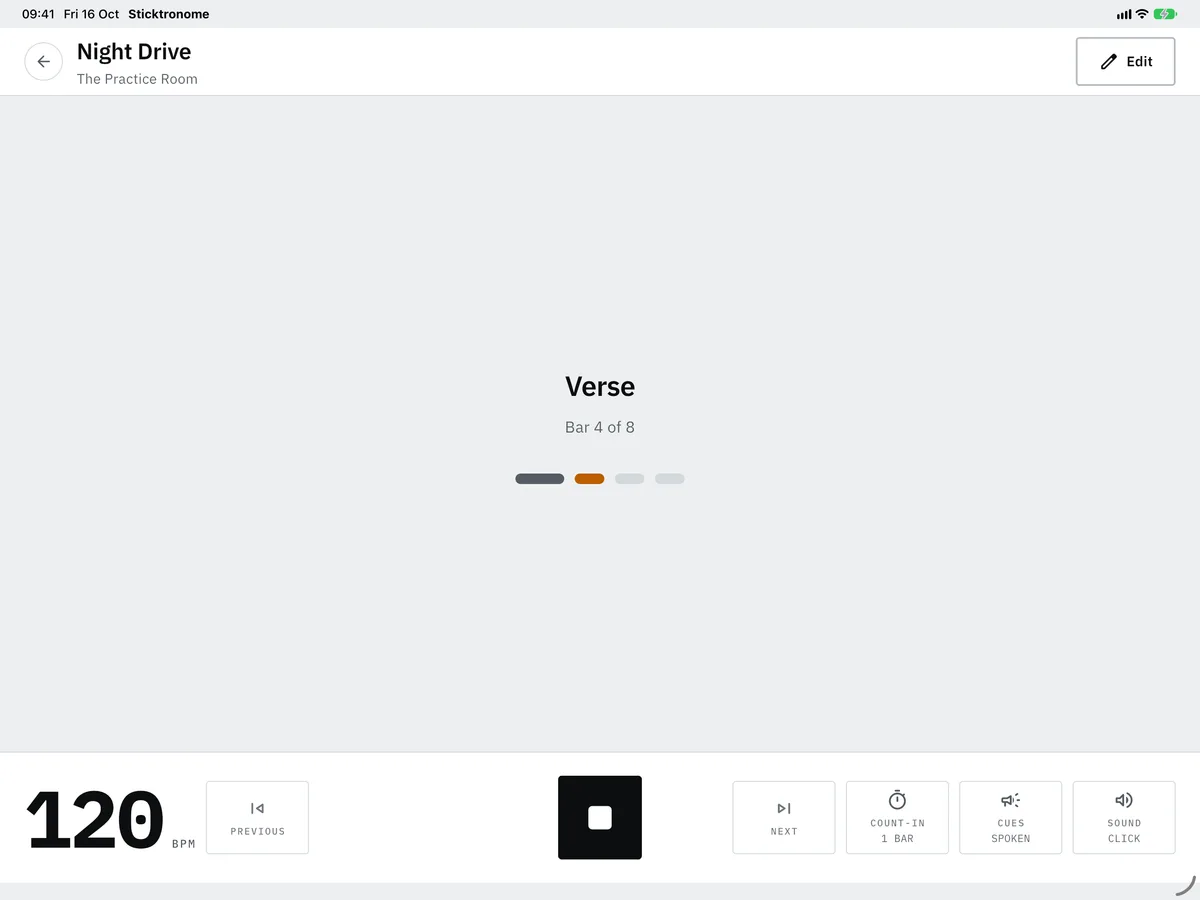
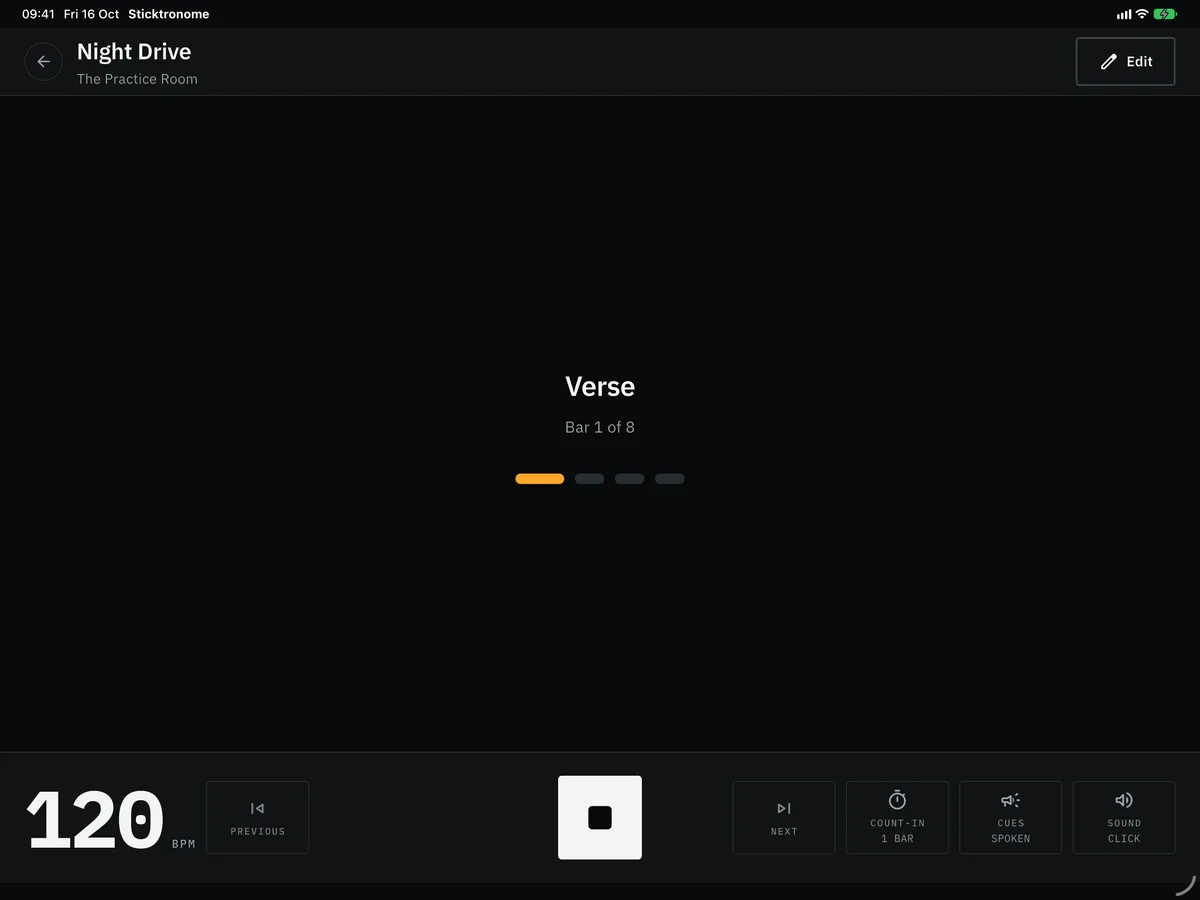
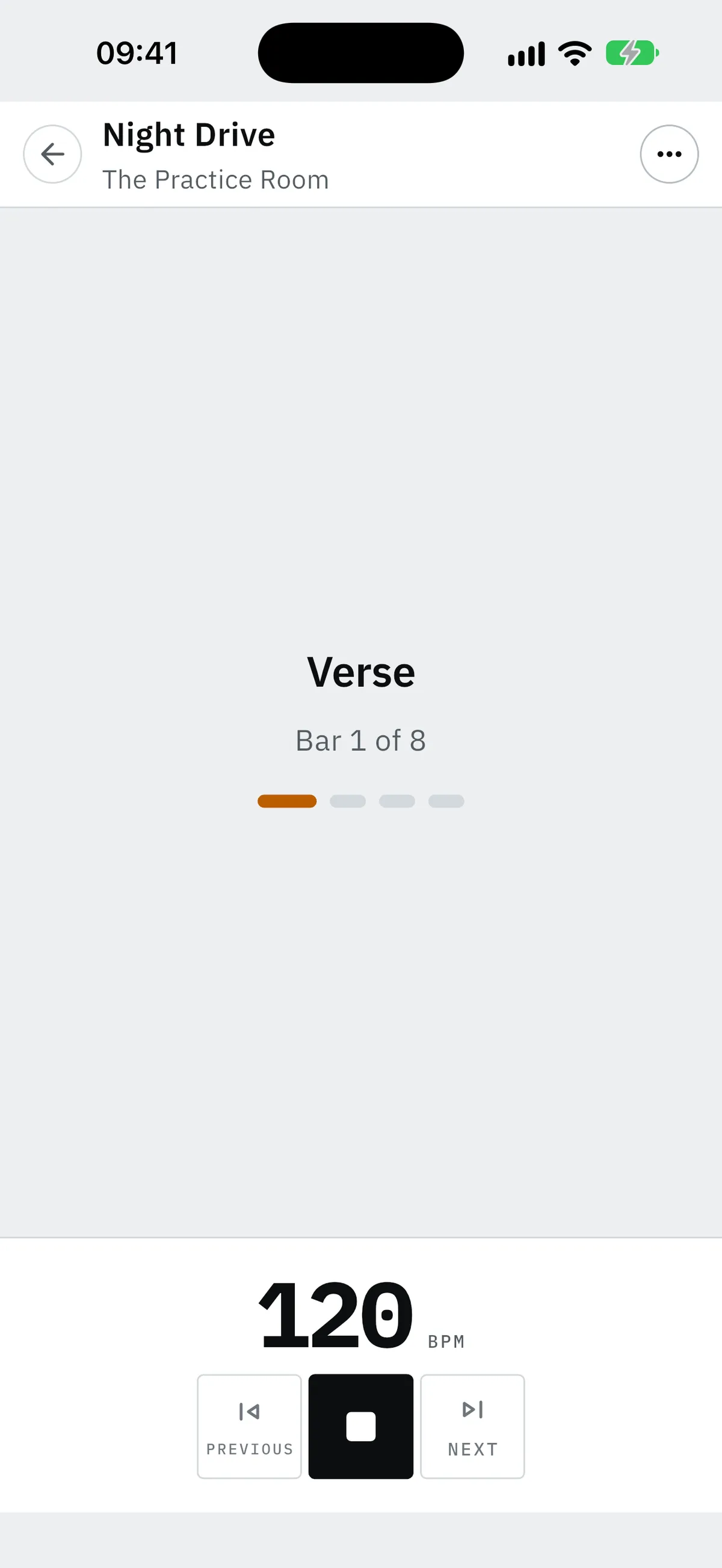
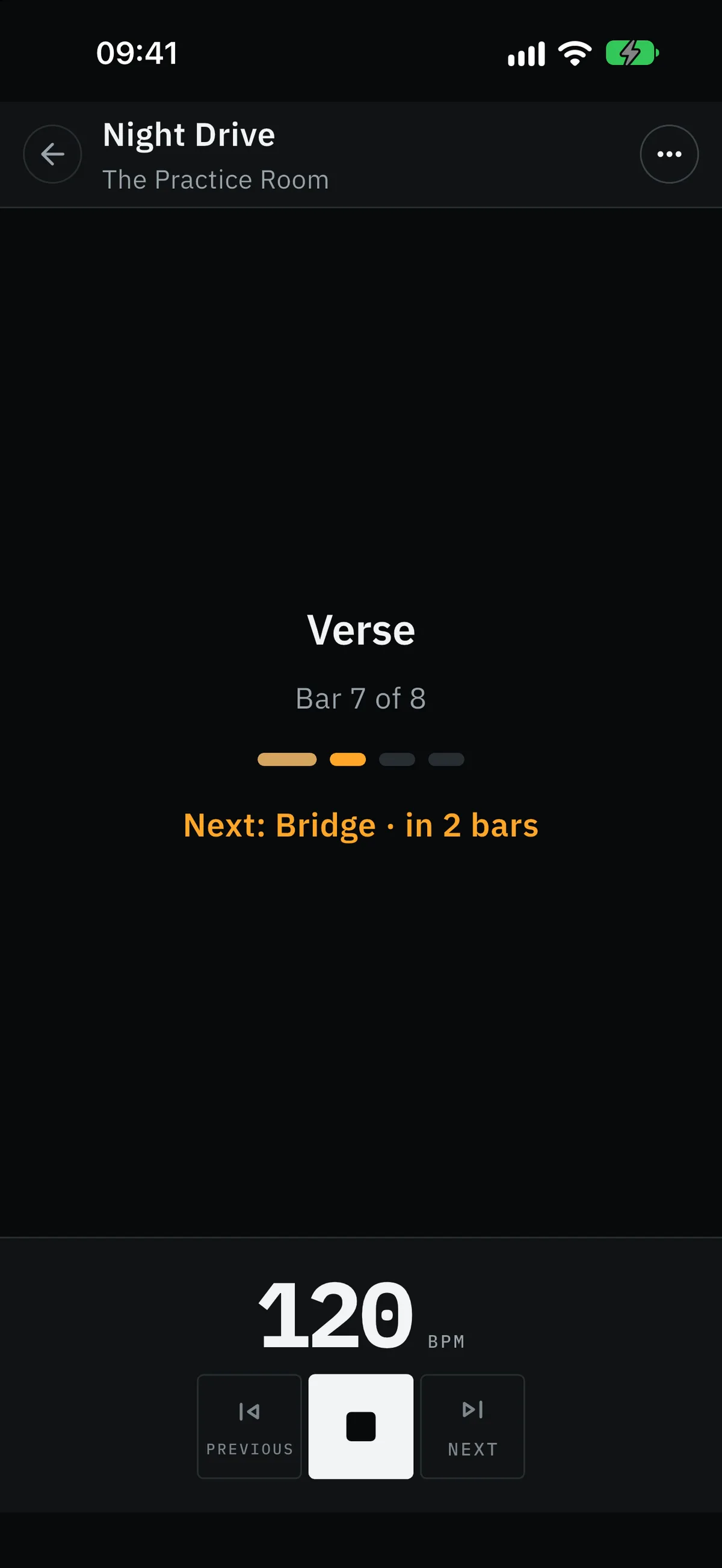
Build a song from sections. Each one can change tempo, metre and subdivision on the bar line, and a spoken cue tells you what comes next before it changes.
- The next section is always on screen
- Put songs in setlists and play the set
Built to keep time
-
Works offline
Practising on your own needs no network and no account.
-
Timing from the audio clock
Every highlight is scheduled from the sound, never from a screen timer.
-
42 languages
The app follows your system's language.
-
Light and dark
Follows your system, or pick one.
-
Mac, iPhone and iPad
One app that fits each screen.
Plans
Compare plans
Practise for free on this device. Pro and Teacher add more.
| Feature | Free | Pro | Teacher |
|---|---|---|---|
| The metronome, the library and the builder | Included | Included | Included |
| Songs, setlists and the Gig screen | Included | Included | Included |
| Progress for this week | Included | Included | Included |
| Day streaks, medals and an image to share | Included | Included | Included |
| Join lessons and save exercises shared with you | Included | Included | Included |
| Your exercises, songs, setlists and practice on all your devices | Not included | Included | Included |
| Progress for every month and year | Not included | Included | Included |
| Practice reminders | Not included | Included | Included |
| Accuracy: see whether you rush or drag | Not included | Included | Included |
| Host lessons, online or in the room | Not included | Not included | Included |
| Share your exercises by code | Not included | Not included | Included |
Questions
Is Sticktronome free?
Practising on your own is free, with no account and no network: the metronome, the library, the builder, kit grooves, songs and setlists. Pro adds sync across devices, Progress history, reminders and accuracy. Teacher adds hosting lessons and sharing exercises by code. Nothing is for sale yet.
What does it run on?
Mac, iPhone and iPad today. Android comes next, then Windows and Linux.
Do I need an account?
No. Practising on your own, playing a shared exercise and keeping your exercises on this device all work without one. You need an email account to save an exercise shared with you, and for any plan: Pro to sync across your devices, Teacher to host lessons and share exercises.
Does it work without internet?
Yes, for the metronome, the library, the builder and practising on your own. Lessons in the room run over the local Wi-Fi network, with no internet. Online lessons and sharing an exercise need a connection.
What languages does it support?
42 app languages. The app follows your system's language, with English as the fallback.
How do live lessons work?
A teacher opens a lesson, in the room or online, and students join with a code and a name, no account needed. Every device starts on the same beat, and a tempo change lands for everyone on the next bar line. Hosting a lesson is on the Teacher plan; joining one is free.
Is there a free trial?
Yes, from the App Store or Google Play. When you subscribe to Pro or Teacher, the store gives one free trial per store account (2 weeks on the App Store, where Pro and Teacher share one), and if yours can still have it, the buy buttons in Account → Plans show it. It becomes the paid subscription unless you cancel before it ends (on the App Store, at least 24 hours before), in your App Store or Google Play subscription settings.
What happens when a plan ends?
Your exercises, songs and setlists stay and still play. You can still edit and delete them; without sync, each change stays on the device you make it on until your plan includes sync again.
Get Sticktronome
Sticktronome is for Mac, iPhone and iPad. Android, Windows and Linux come next.
-
iPhone and iPad
App Store
Coming soon
-
Mac
Mac App Store
Coming soon
-
Android
Google Play
Coming soon
-
Windows
Microsoft Store
Coming soon
-
Linux
Flathub
Coming soon